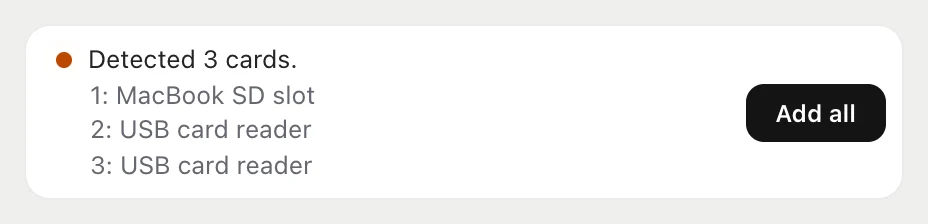
Three readers, one Start.
Cards from the camera, drone and wireless mic join one queue. Each gets its own verification and report.
flow for Mac copies your footage, checks every file
and puts it in the right project. From card to certainty.
Leave your e-mail and the download link arrives right away. No payment.
macOS · iPhone, free · flow Pro until 24 October when you sign upChoose a step to see it in the app. Your source card stays untouched.


All of it without touching the card: flow only reads the source, you format when you decide it is time.
Cards from the camera, drone and wireless mic join one queue. Each gets its own verification and report.
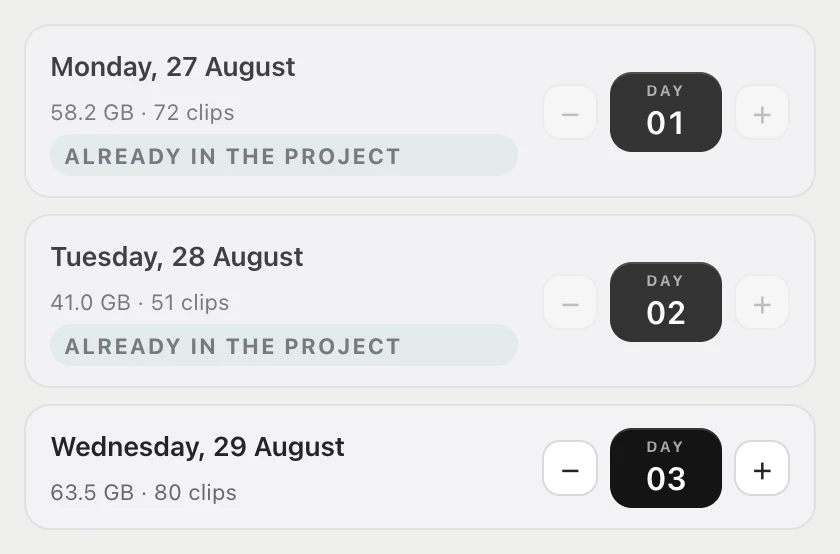
The card knows whether it is Day 01 or Day 03. Footage shot past midnight splits into days, and a clip and its XML never land in two.
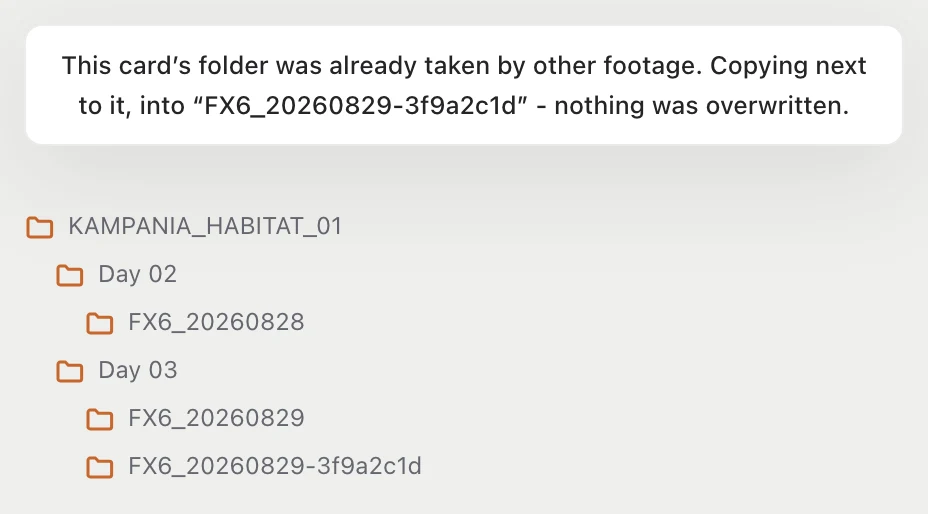
The next card from the same camera goes into its own folder. The first copy stays in place.
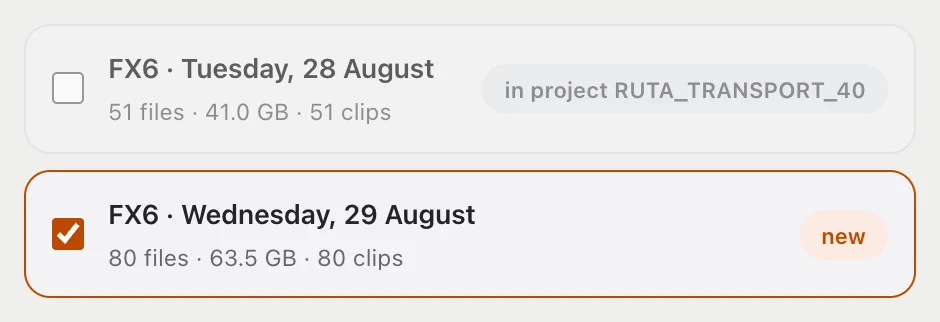
A day already copied to another project is visible and unchecked. A click will not drop one client's footage into another client's folder.
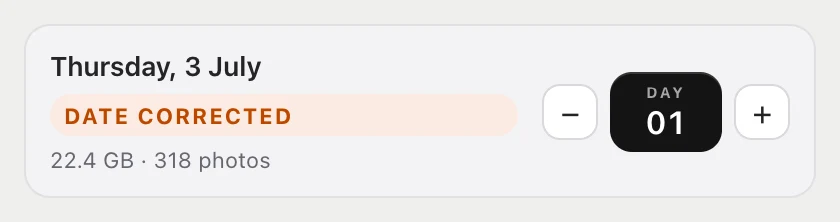
Correct the date before copying. The footage goes into the right shooting day.
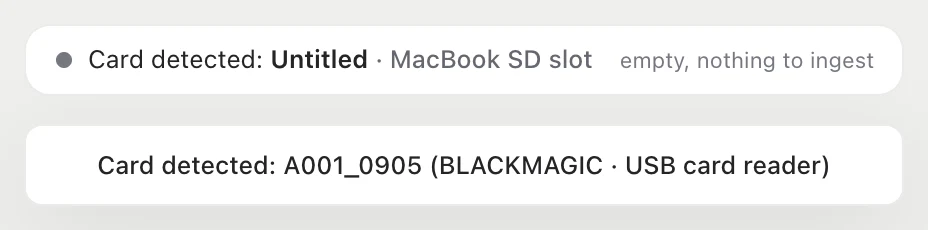
MacBook slot, USB reader, Blackmagic drive. flow shows the media and its reader, even when the card is empty.
Habitat Flow on iPhone shows live what your Mac is ingesting and tells you when the copy is verified. You can step away from the desk.
Free for every account, Free plan included. No in-app purchases. iOS 17 or later, works with flow on your Mac.
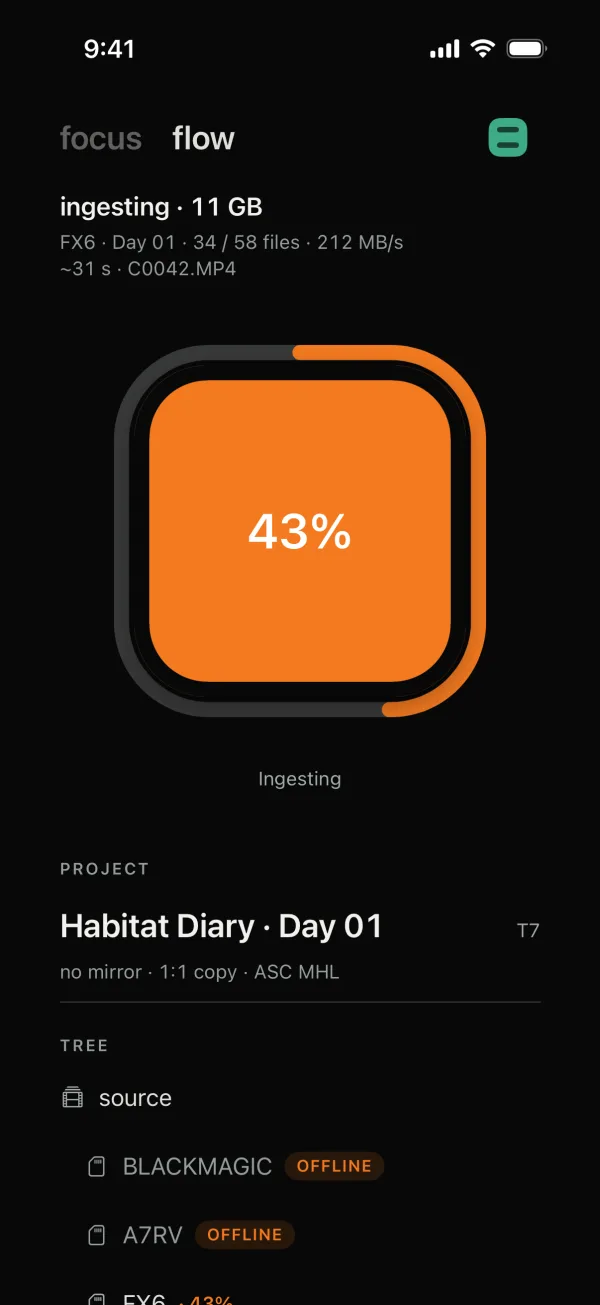
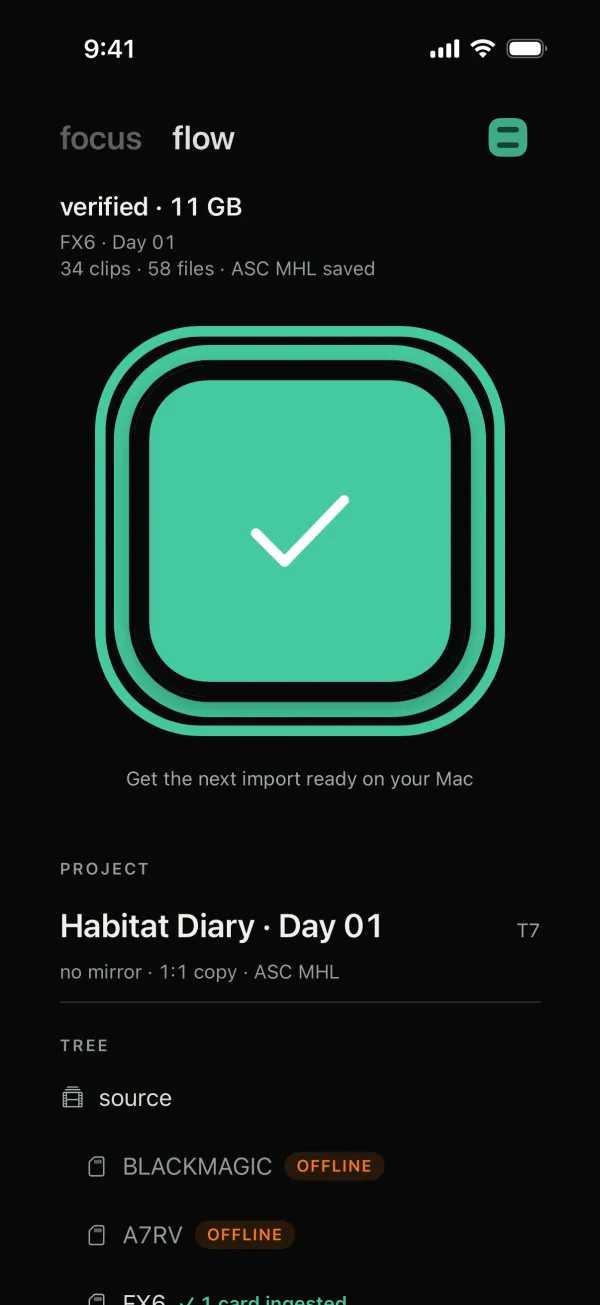
flow compares checksums for the source files and their copies. It saves the result in an ASC MHL report.
Need a second copy? flow Pro writes to two drives at once.
Copy, verification, report. Describe the process in your quote.
Copy the ready-to-use paragraph alongside.
"We ingest footage from set in a controlled process: we write a 1:1 copy to two independent drives, compute and compare xxHash64 checksums and save an ASC MHL report. Every ingest ends with a result we can verify, not with a declaration."
This wording assumes an active flow Pro plan, two target drives and a completed verification.
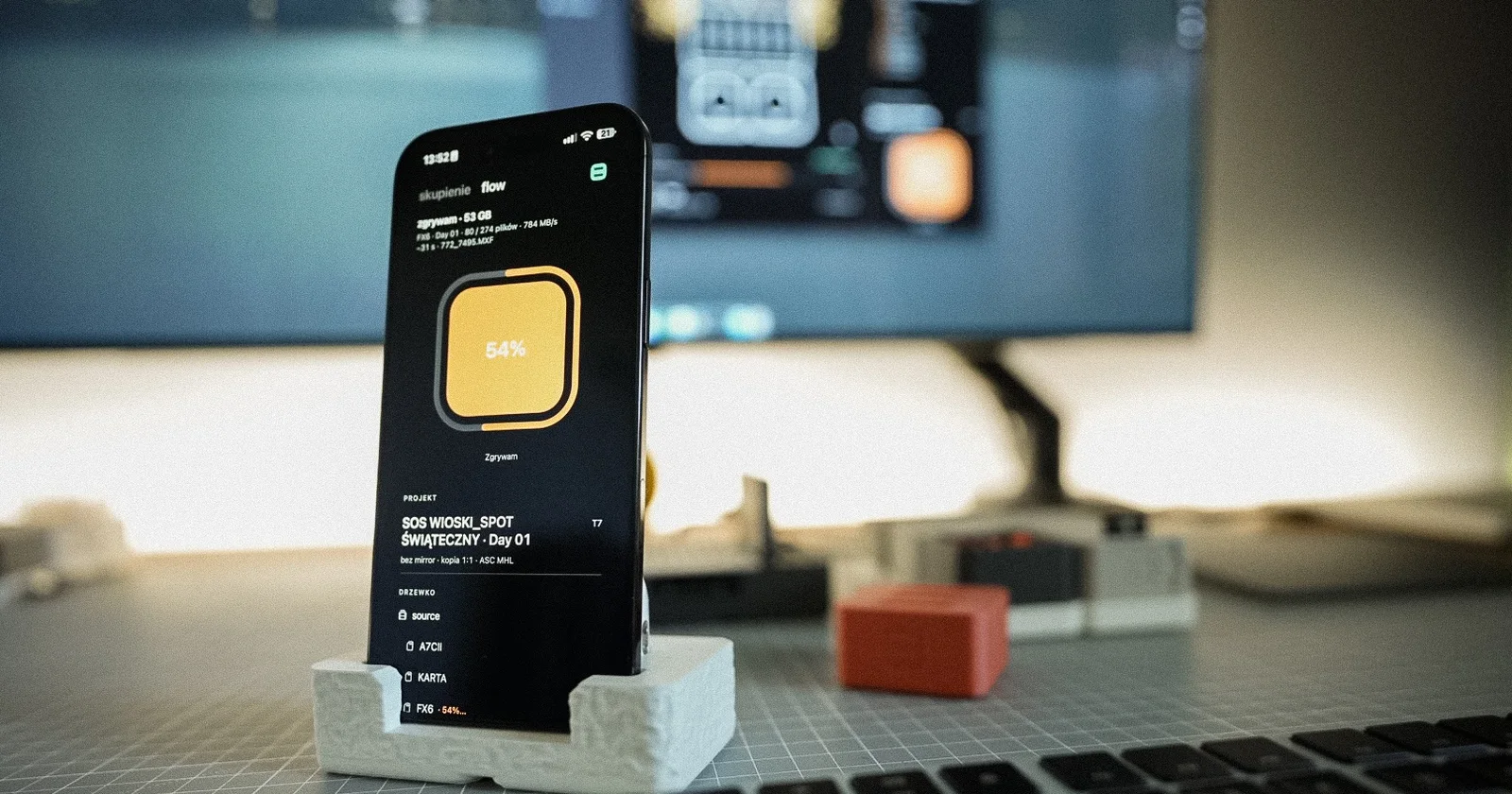
Your phone shows live what your Mac is ingesting and tells you when the copy is verified. Free, with no in-app purchases.
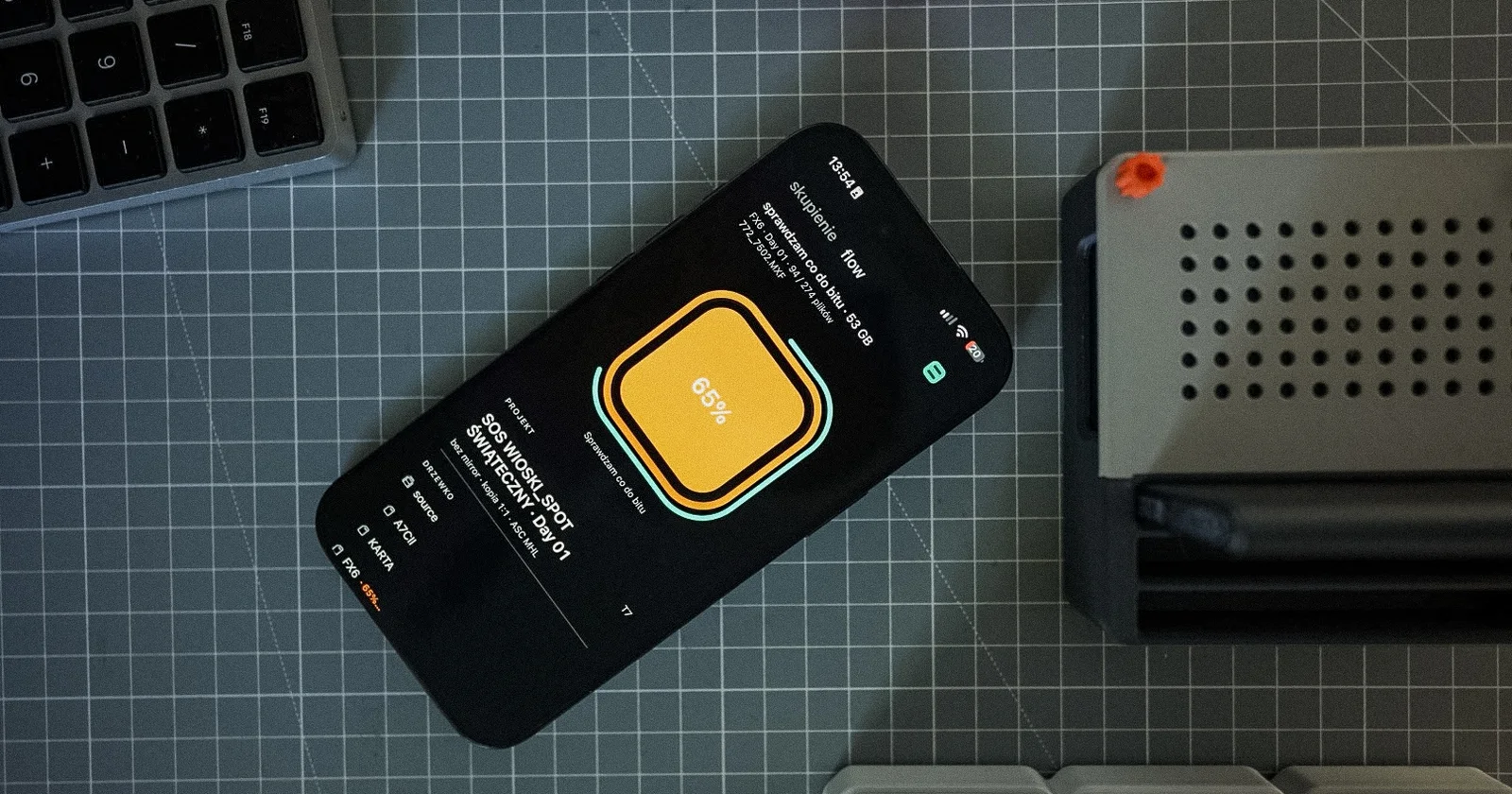
A sound on your Mac and a notification on your iPhone tell you when the card is ingested and checked. The flow window can stay in the background.
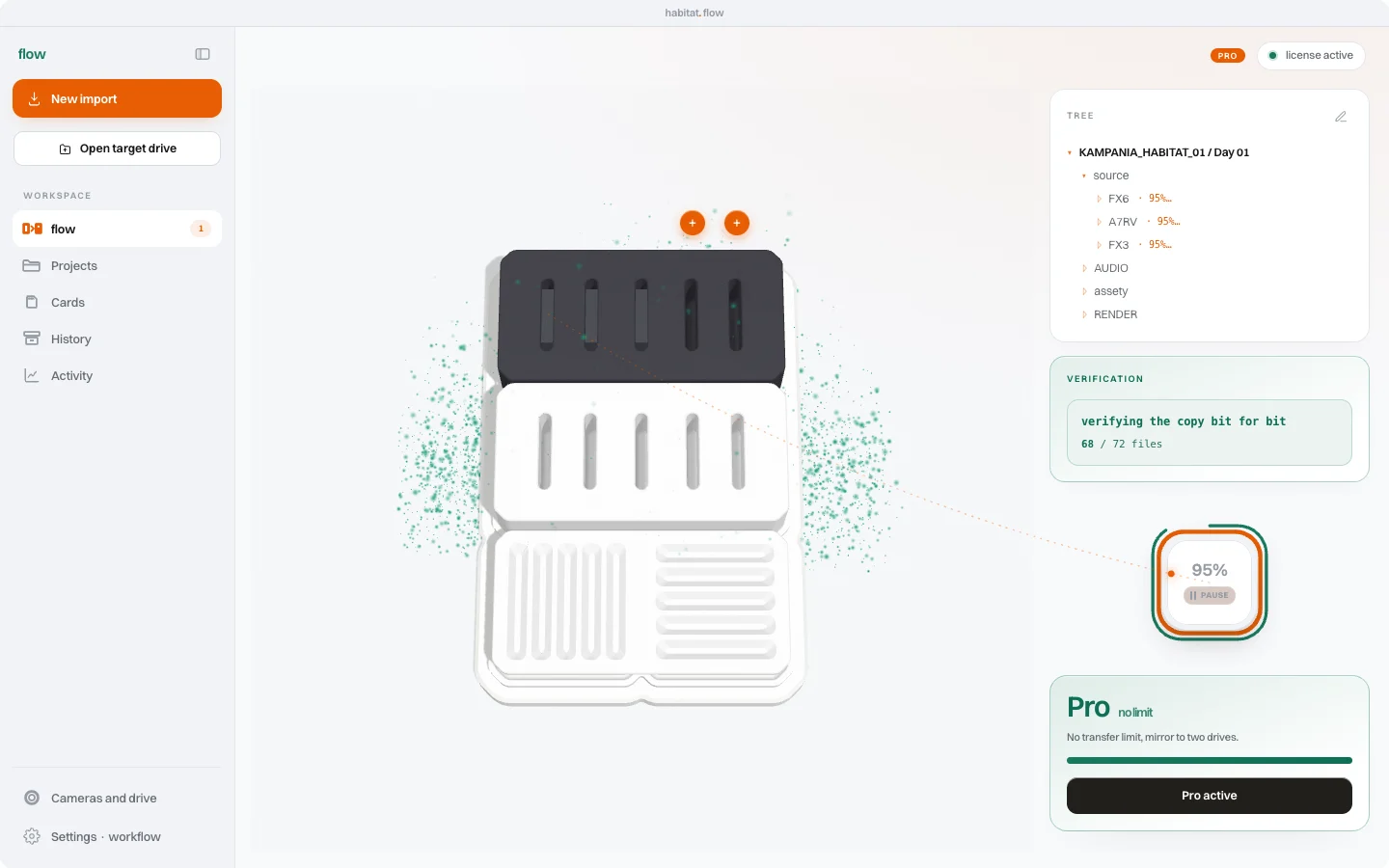
What flow does when a file does not make it to the drive: a list of missing files, a card without a tick, and copying only what is missing.
You start at zero. Pro removes the limit. Or pay once, keep it forever.
The download link comes by e-mail.
The link comes by e-mail, you pick Pro in the app.
The link comes by e-mail, you pick Pro in the app.
Habitat Flow on iPhone is free on every plan, Free included. No in-app purchases. What the phone shows
Prices per user, VAT included. You pay in euro in Europe and in US dollars elsewhere. One payment, nothing renews by itself. flow works anywhere; the physical habitat system ships in Poland only for now.
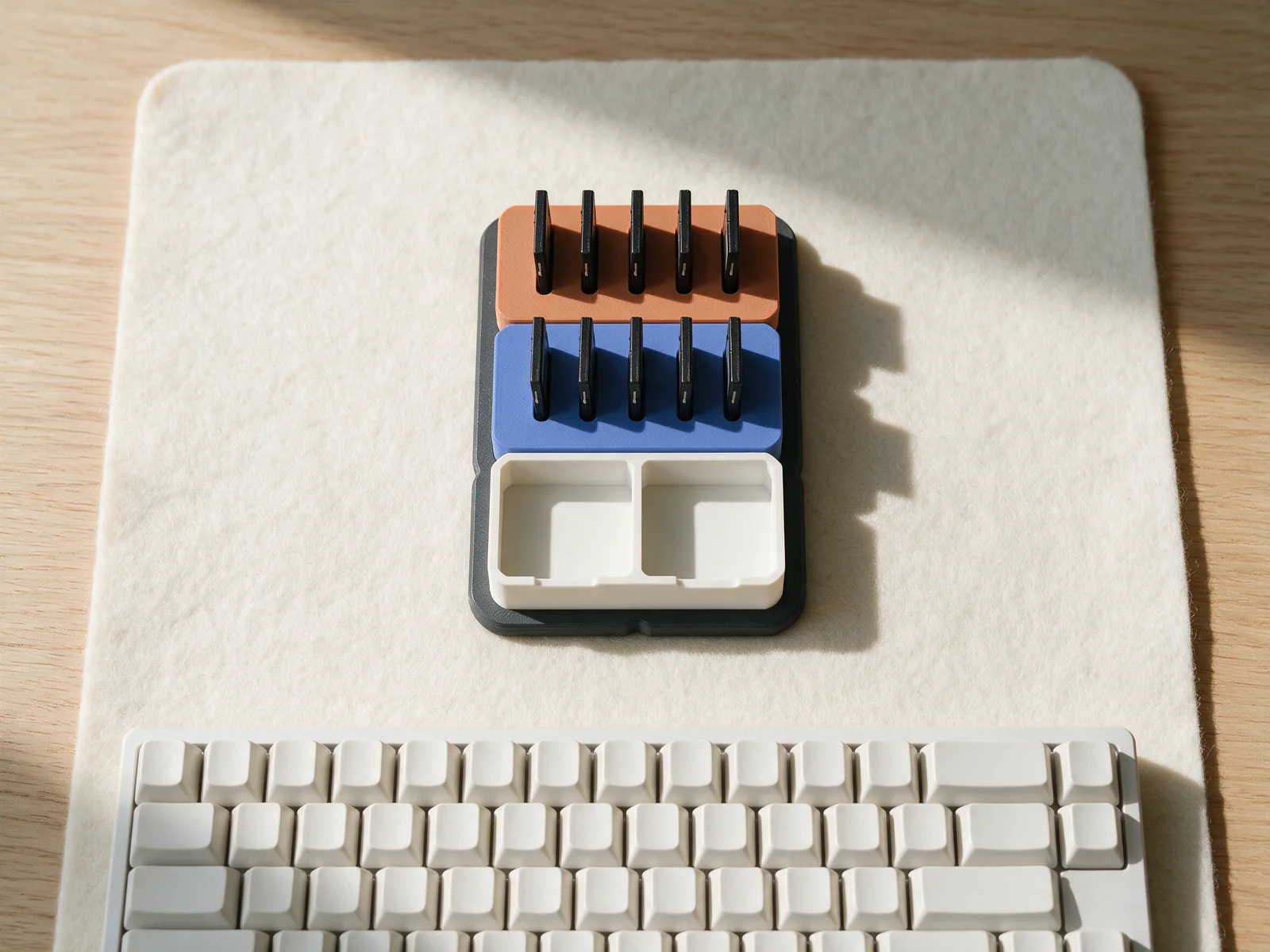
Leave your e-mail. You get the download link for flow on Mac right away, and flow Pro until 24 October at no cost.
No payment. We send the download link and the odd short update. One click to unsubscribe.