When the drive runs out of space mid-ingest
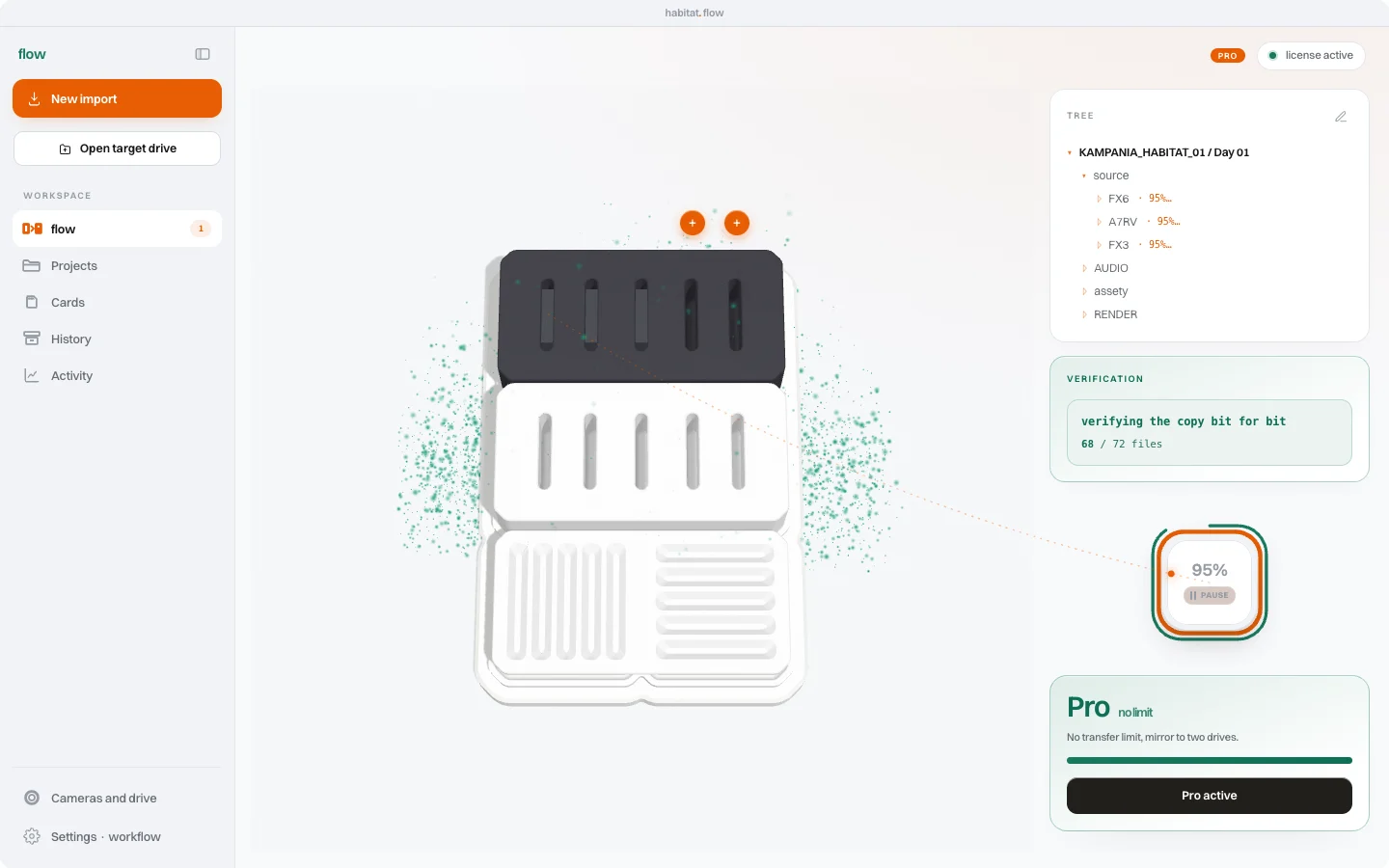
The destination drive was nearly full and the last clip on the card is 44 GB. Copying runs, the bar grows. Then the write stops. The worst thing that can happen next is a green tick on a card that did not fully reach the drive. Since version 0.9.28 flow does not do that.

A failed file is not "verified"
If even one file fails, the ingest ends with a "Not everything was ingested" dialog. It lists the missing files, so you know straight away which clips are not on the drive.
The card stays in its slot without a tick and without an entry in the ingest history. The Mac does not play the sound that normally marks the end of an ingest. The card status says it is not ready to format. Because it is not.
Only the missing files get copied
Free up space on the destination drive and click flow again. The app copies only the files that are missing, not the whole card from the start. On a card that took half an hour to ingest, that makes a difference.
After the second pass verification works the same way as the first: the xxHash64 checksums of the card and the copy must match. Only then does the card get its tick and the ingest goes into history together with the ASC MHL report.


Why this changed
An earlier version of the app showed "verified" after a write error on a 44 GB clip. For someone who only looks at the tick, that meant a card ready to format, while the clip was not on the drive. Version 0.9.28 changed that, and since then the "done" signal appears only for a complete, checked copy.
Before you format the card
If you see the dialog about missing files, the card is still the only complete source of the footage. Do not format it until flow shows the tick. A second copy on an independent drive, available in flow Pro, gives you extra margin in case something goes wrong with one of the drives.