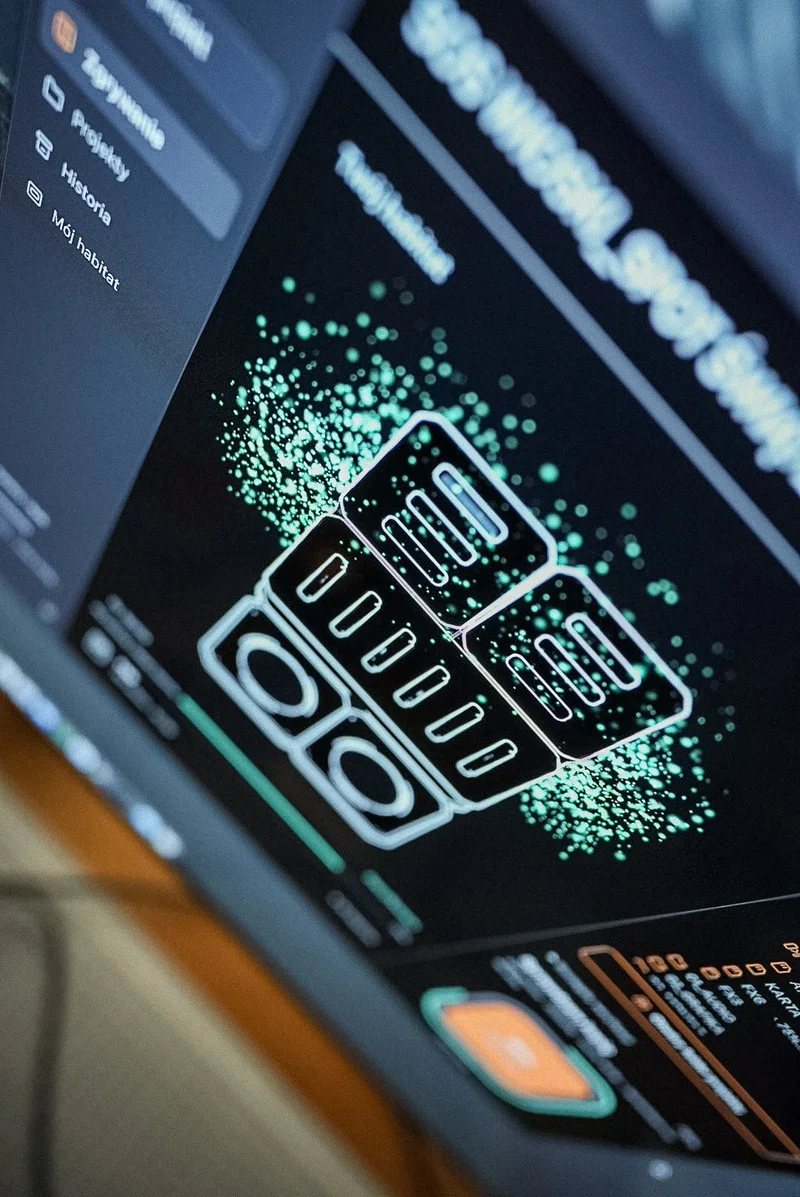
Cards beyond Sony in flow
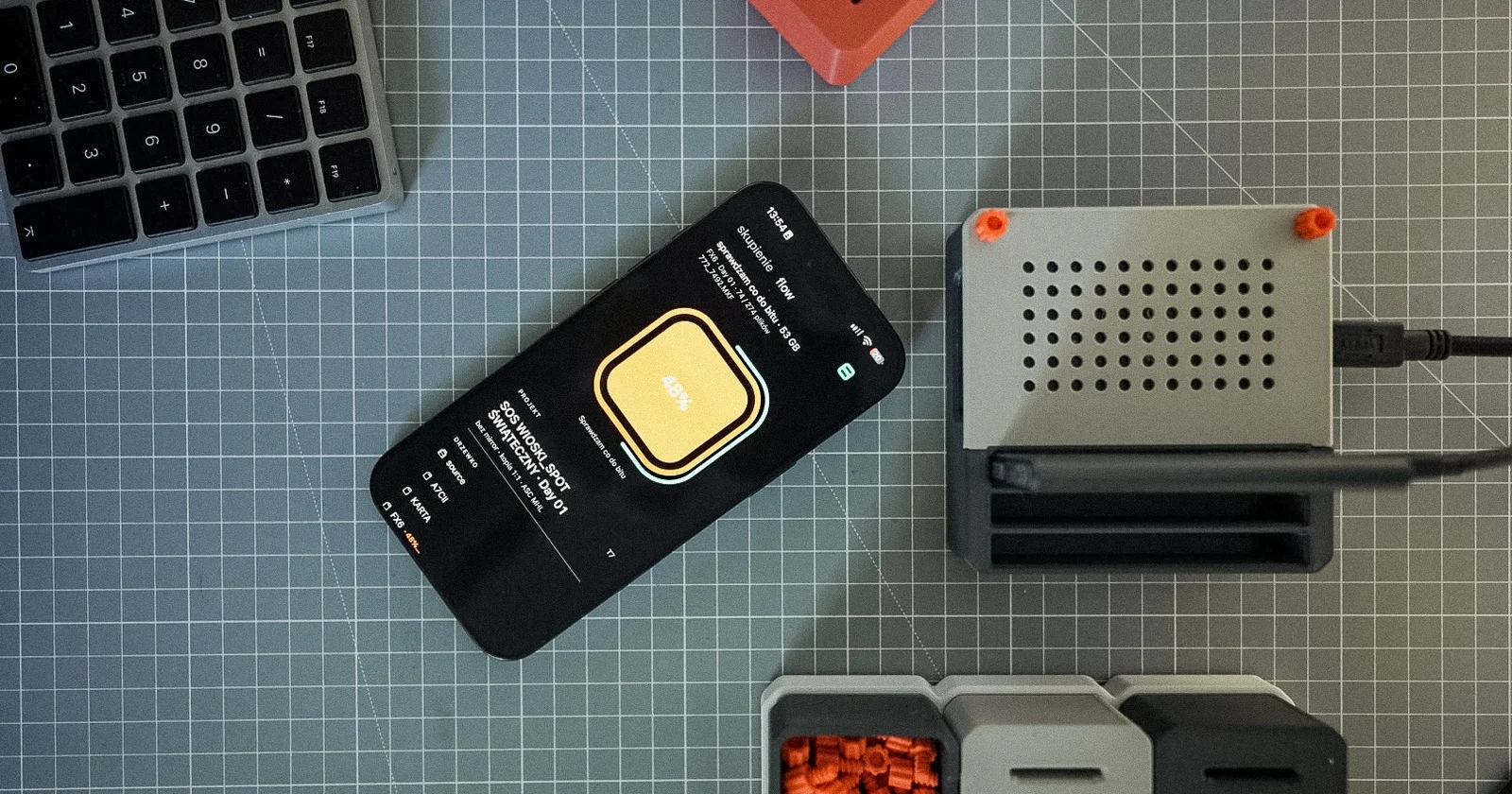
A set rarely runs on one brand. The main camera is a Sony, the second is a Lumix, plus an Osmo Pocket on a gimbal and an Insta360 for handheld shots. Each writes its card its own way. flow has to know what it is ingesting to name the folder and not lose any files.
The model comes from the clip, not the card
flow reads the camera model from the clip itself and names the folder after it, for example GH6 or S5II. When a clip does not store the model, the folder gets the brand name: LUMIX, CANON, NIKON, FUJIFILM, DJI or INSTA360. The card picker shows the camera name instead of a generic "other files".
In the filmmaker tree, footage lands in the day folder, for example Day 01/FX6_2026-09-24. A second camera from the same day gets its own folder next to it.
Files that used to hide
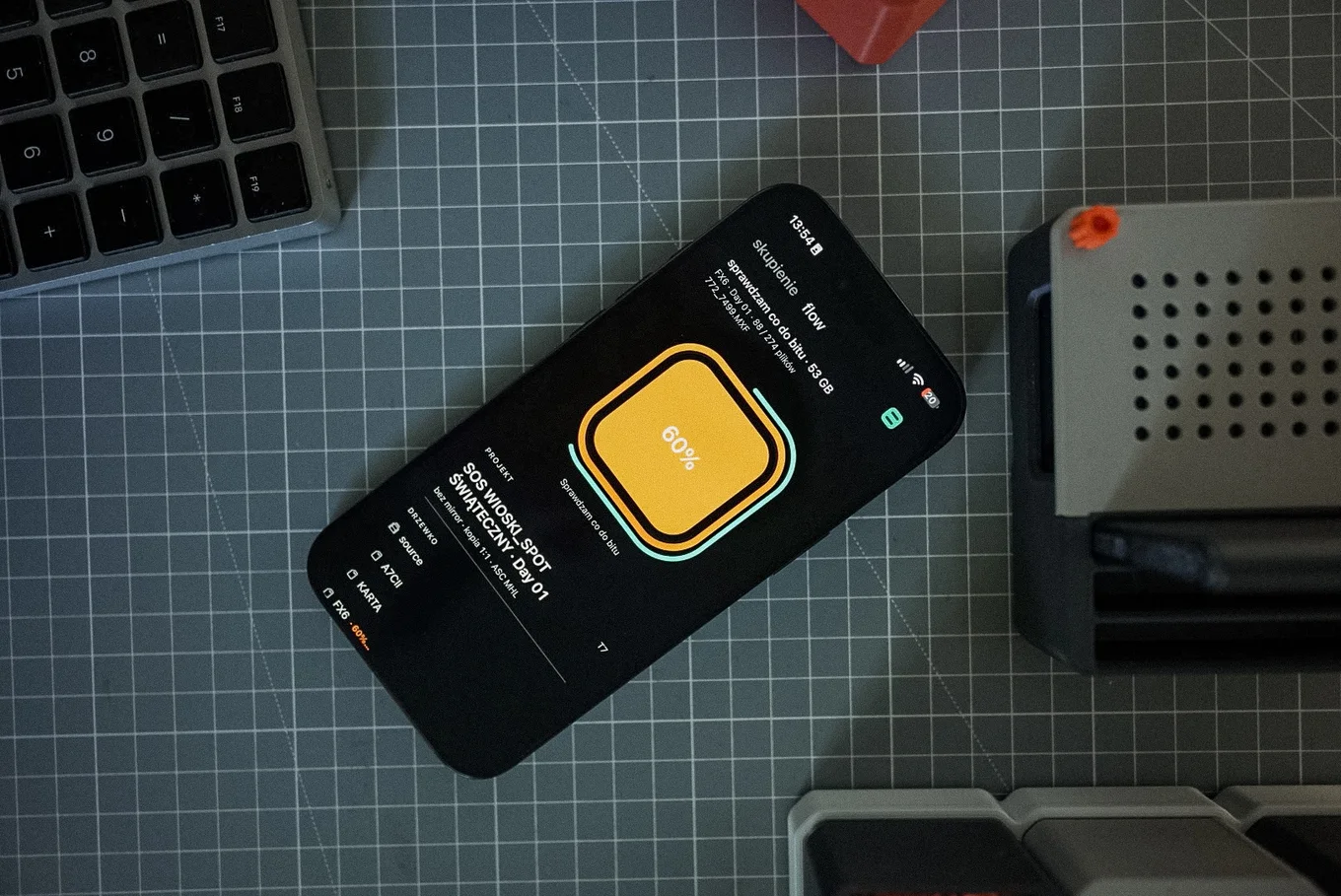
Several formats used to sit in a hidden folder. Now they are in plain sight: Nikon N-RAW, Insta360 .insv and GoPro MAX .360. A Lumix card or an Osmo Pocket is no longer tagged as a drone.
Readers macOS treats as a drive
Some readers show up in macOS as a regular drive, not a memory card. flow recognises footage on them from Canon XF, Lumix CINE Style, RED and Atomos drives. It also sees SD cards and SSDs from Blackmagic cameras.
Verification is the same for every brand
The folder name depends on the camera. The process does not. Every file gets an xxHash64 checksum, the copy is compared with the source, and the result goes into the ASC MHL report. The card's vendor structure is kept 1:1, so you can go back to the original folder layout at any time.
If your camera lands in a folder named only after the brand, or flow does not recognise it, write through "Report a bug or an idea" at the bottom of Settings. The e-mail already contains the app version and your plan.