Second copy, second drive
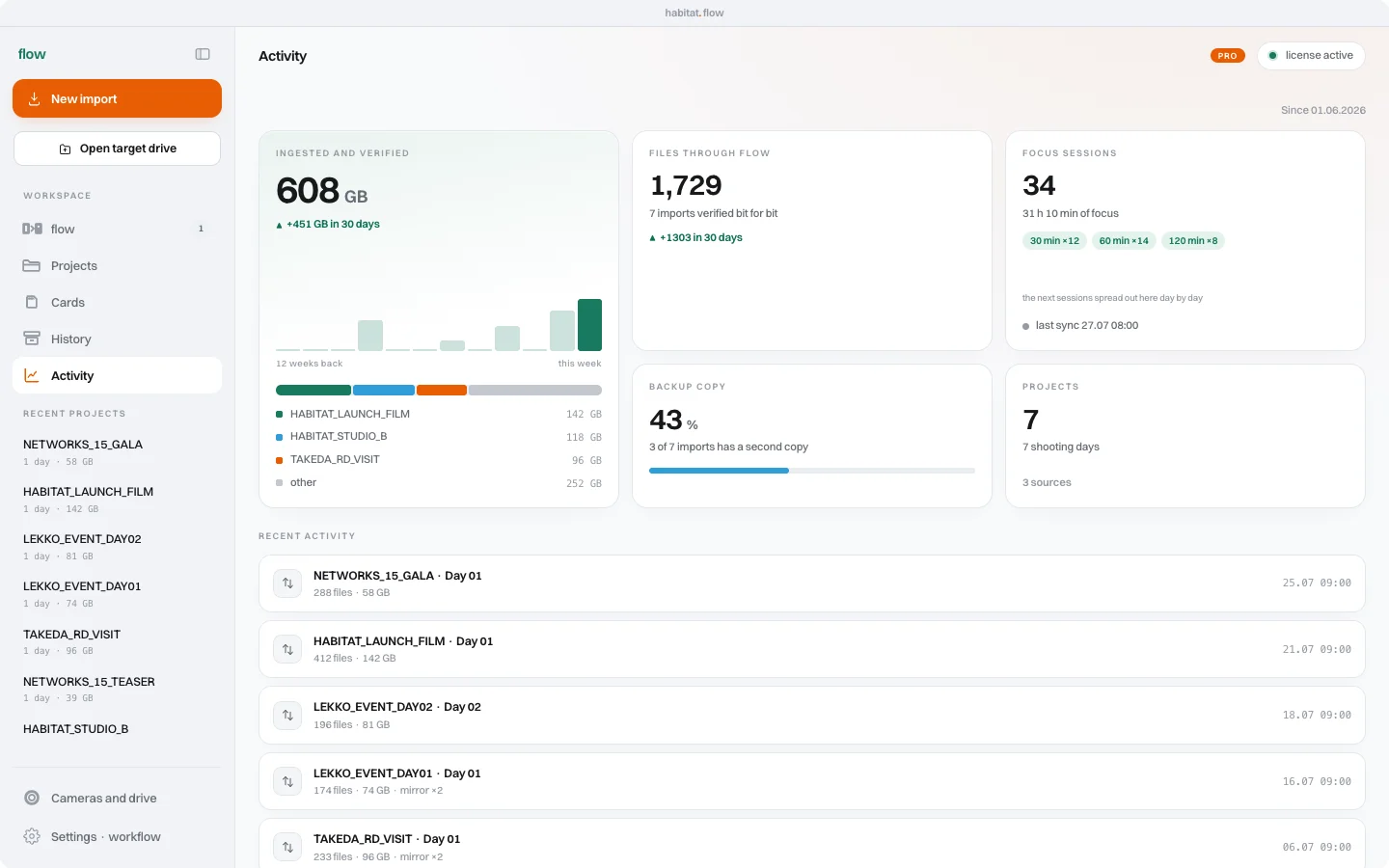
The footage is on your working drive. You can open the project and start editing. The second copy often gets left for later, because right now you need to select takes, sync audio or send a first preview.
In flow Pro, mirror is part of the ingest. Choose two destination drives and the footage goes to both in one process. You do not have to remember a separate copy once the rest of the work has started.
Two locations on two drives
Two folders on one drive still live on one device. If that drive fails, both folders can become unavailable at the same time. Calling one of them a backup does not change where the data is stored.
Put the second copy on an independent drive. Before ingesting, check the actual destination devices, whether they are available and how much space they have. Selecting two different paths does not by itself mean you have selected two physical drives.
Wait for the whole result
Copying and verification should finish with a clear result. If one copy has not completed or has not been checked, do not treat it as ready just because some footage is visible in the folder.
The ASC MHL report stays with the ingest. My habitat brings together your work history: copied and verified footage, files and projects. You can check what happened after closing the import window.
Mirror is the start of storage
Two drives sitting next to each other can still be stolen or damaged in the same incident. A mirror during ingest does not replace deciding where you keep footage and how long you keep it after a project.
flow handles a specific part of the work: the path from reader to verified copy. Free includes copying and verification within its limit. Pro adds mirror to a second drive, among other features. Choose it when the second copy should happen straight away, rather than becoming another task at the end of the day.