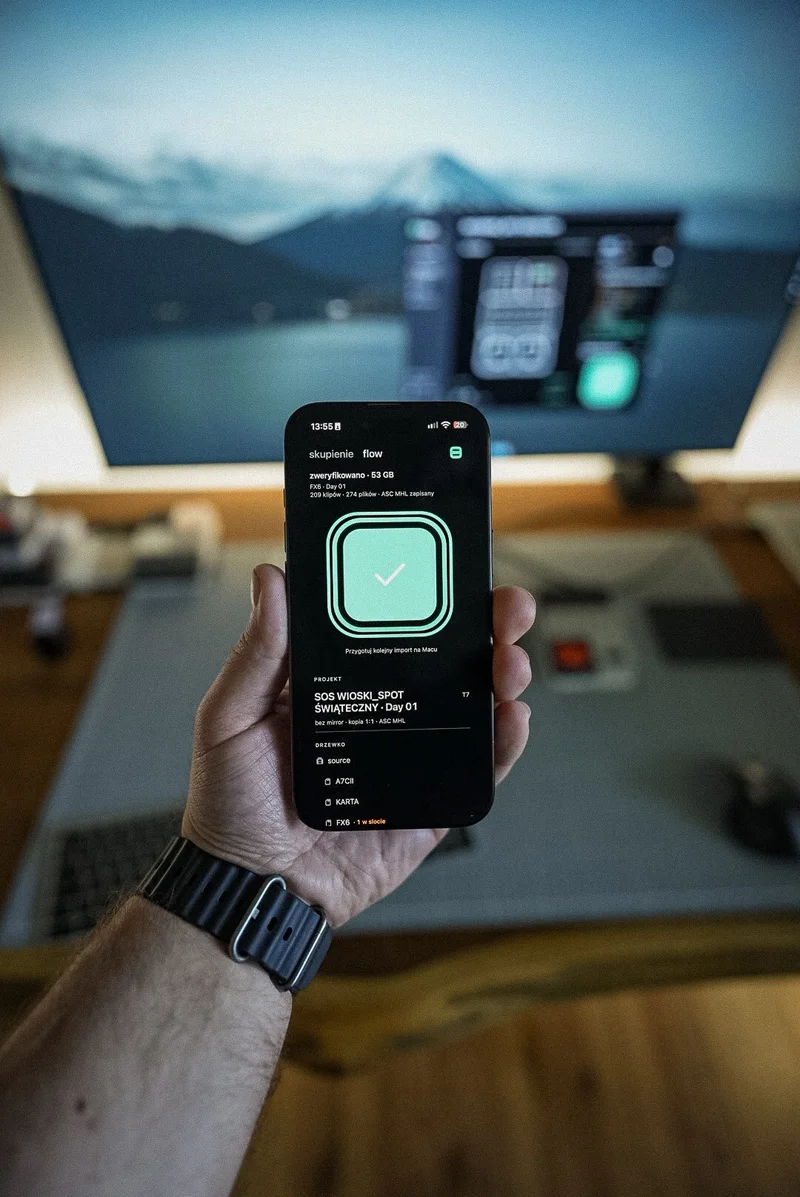
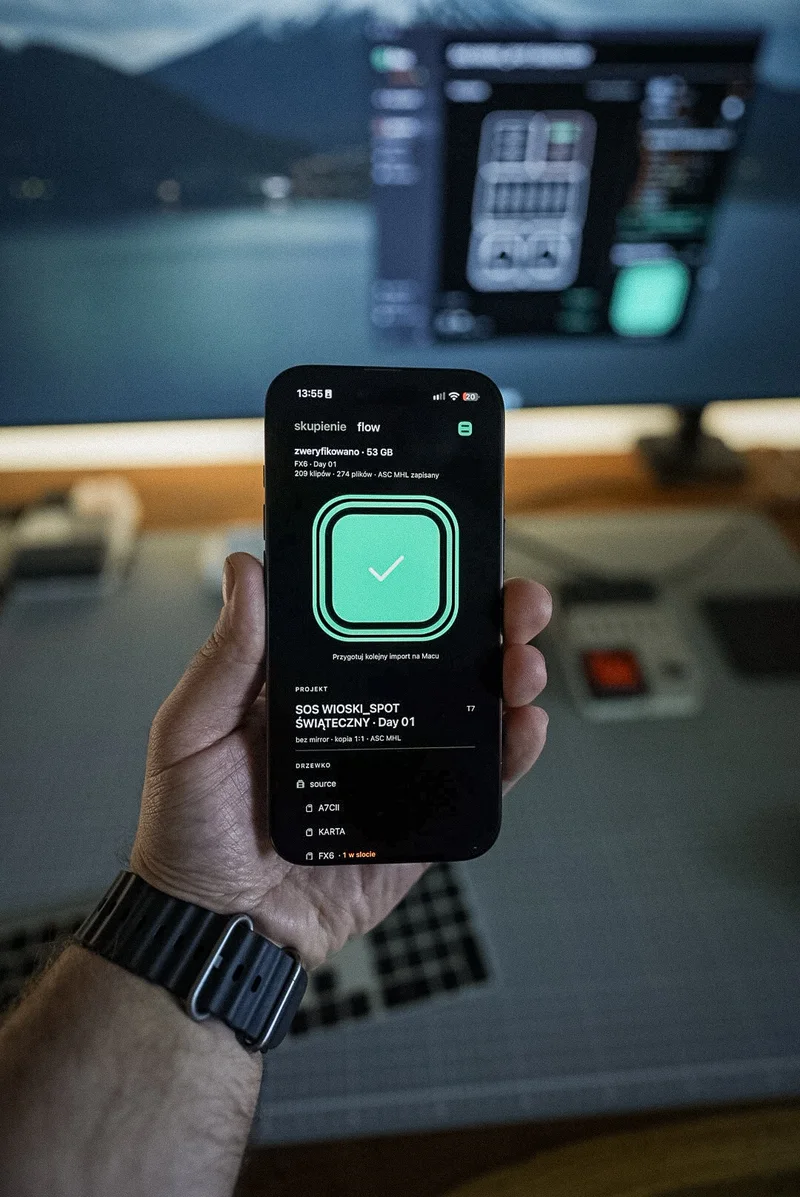
No need to watch the ingest window
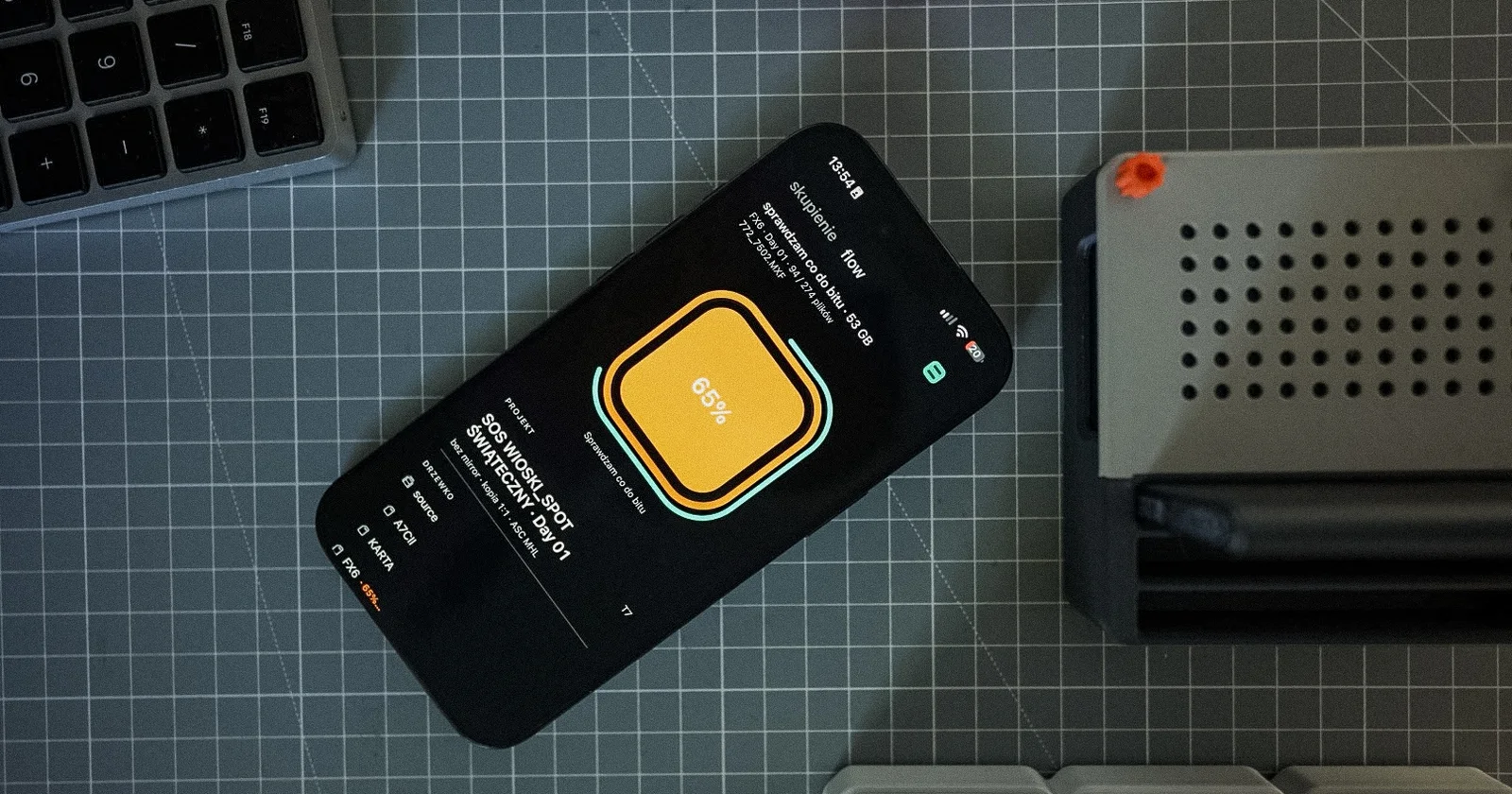
Ingesting a 256 GB card is a good moment to do something else. The catch is that every few minutes your eyes go back to the progress bar, because you do not want to miss the end. Since version 0.9.47 you do not have to. flow tells you.
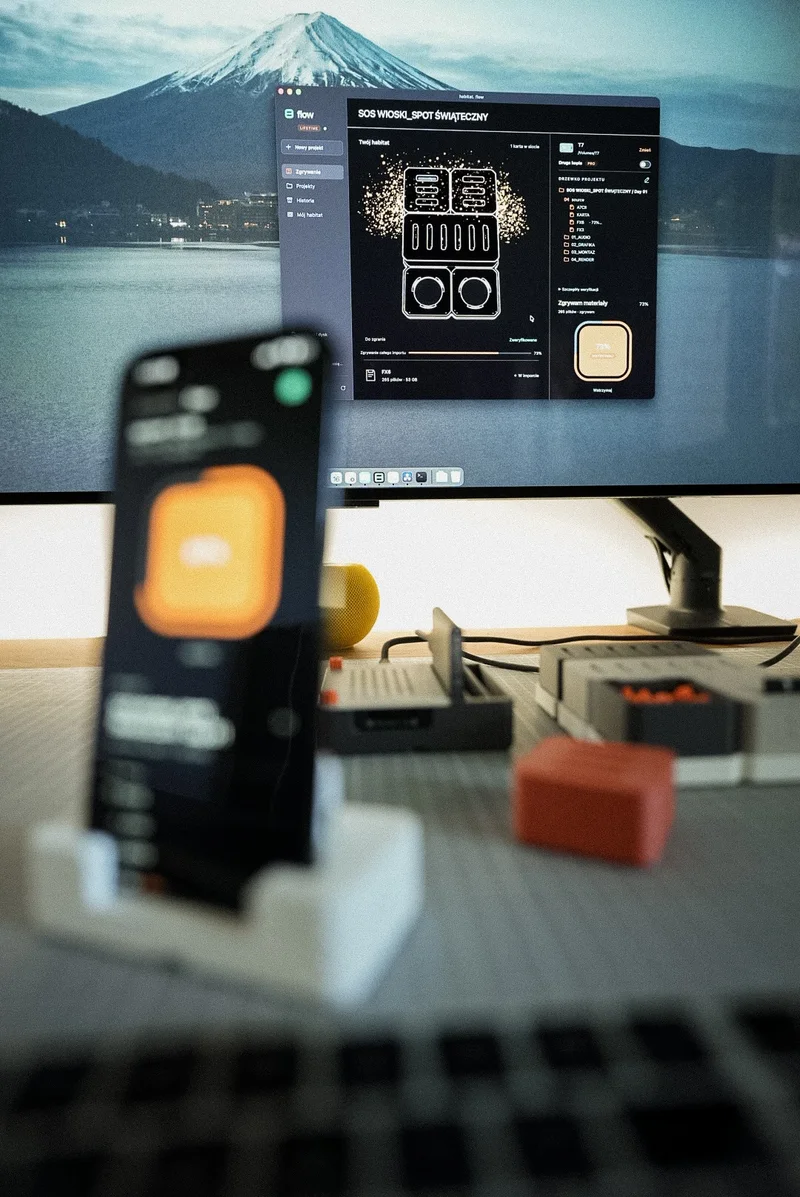
A sound after verification
When the ingest ends and every file is copied and verified, the Mac plays a short sound. Not after copying alone. Only after the checksums are compared, which is the moment the result means something. You can work in another app, answer e-mail or edit the previous day.
The "Open the project folder" button stays on screen after the ingest, also when you insert the next card. One click and you are in the folder with the footage, without hunting for it in Finder.
A notification on your phone
If you are not at the Mac, a sound does nothing. That is why Habitat Flow on iPhone sends a "verified" notification when the Mac finishes the ingest, also with the app in the background. The flow screen on the phone shows progress, file count, speed and time left, so you know whether it is two minutes or twenty.
The iPhone app is free for every account. You sign in with the same e-mail and code as on the Mac.
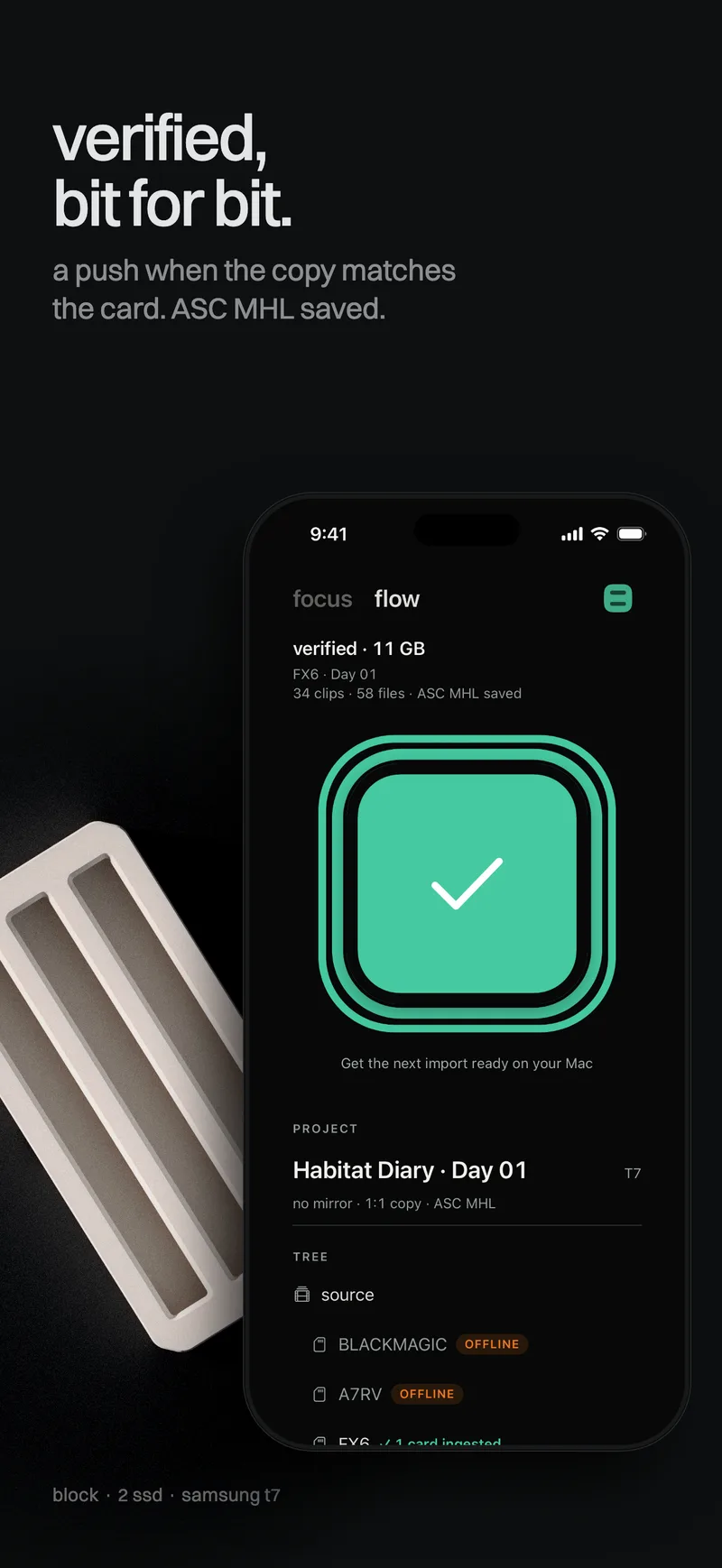
Silence means something too
The sound plays only for a clean result. If even one file fails, for example because the drive ran out of space, flow plays no sound. Instead it shows a "Not everything was ingested" dialog listing the missing files, and the card stays in its slot without a tick. No sound after a long while is a reason to look at the screen.
What the signal means, and what it does not
"Verified" means the files on the drive match the card bit for bit and the ASC MHL report is saved. It does not say whether the shot is sharp or the audio was recorded. That is still your own footage check.
Formatting the card is also your call. If this was the only copy, make a second one on an independent drive first.