Before you format a card
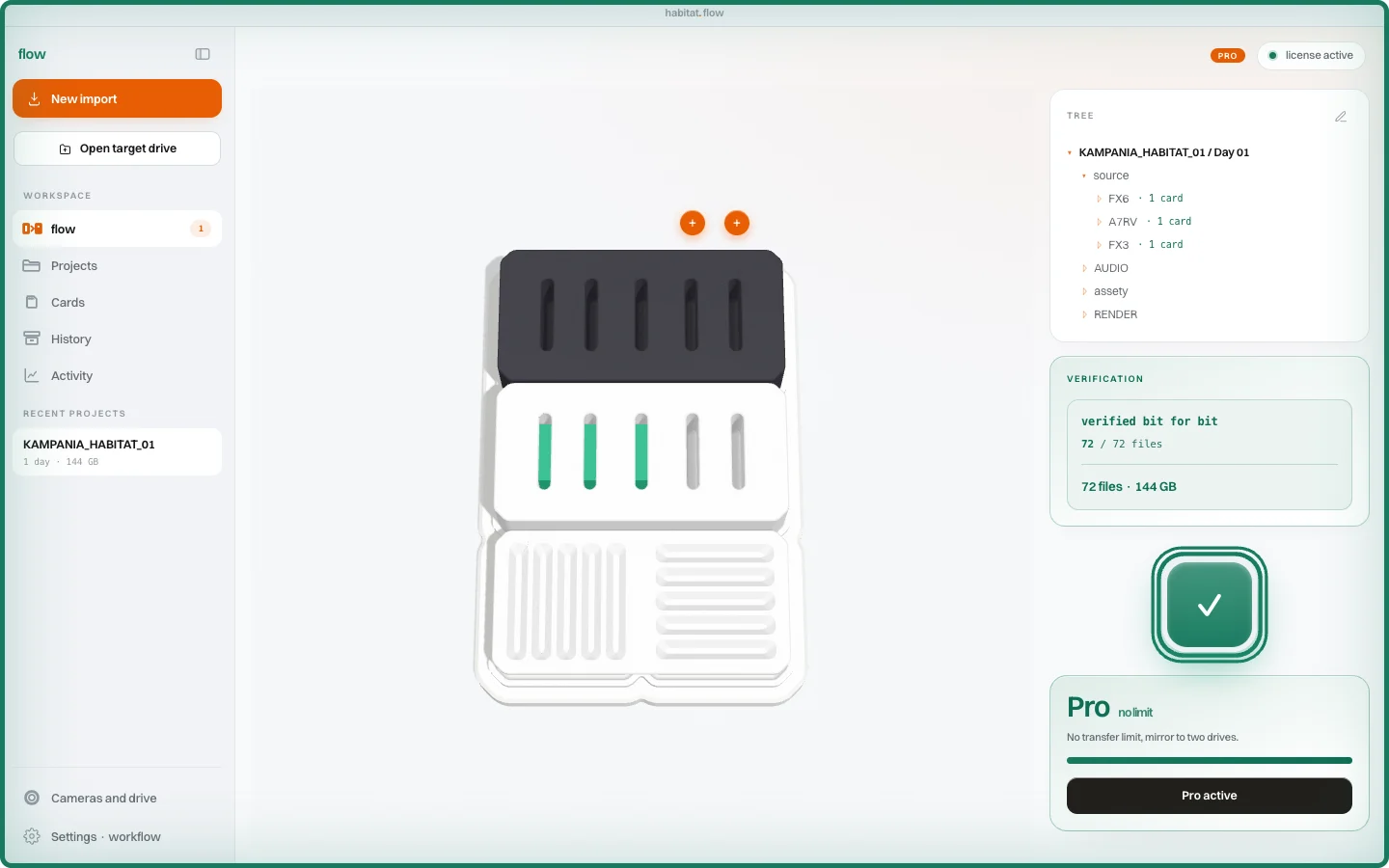
The copy bar has reached the end. You need the card for the next shoot, so your finger moves towards Format. One more thing should happen between those two moments: checking whether the files on the drive match the source.
A folder being there does not answer that question. A similar number of gigabytes does not answer it either. What matters is the content of each file, not whether the copy window has closed.
Copy first, then compare
flow reads the card and makes a 1:1 copy. It then compares xxHash64 checksums of the source files and their copies. Verification tells you whether the contents it read match. This is a separate stage of the process, and it needs to finish.
If the import stops or verification reports a problem, the card remains a source you can return to. Do not format it just because some of the files have reached the drive. Check the result and complete the ingest first.
The report stays with the project
With each ingest, flow saves an ASC MHL report containing the file list, checksums and result. You can return to it later instead of trying to remember what happened after the shoot.
The report records the data check. It does not tell you whether the picture is in focus, the sound was recorded properly or the camera captured the right take. Watching important clips still has a place in your footage checks.
Formatting is your decision
flow does not format your card. It reads it, copies the footage and verifies the copy. You decide when to free up the card, after reviewing the result and storing the footage according to your own process.
If the card held the only original, formatting it leaves one drive as the only place that footage exists. Before formatting, keep a second verified copy on an independent drive. With flow Pro, you can copy to two drives in the same ingest.