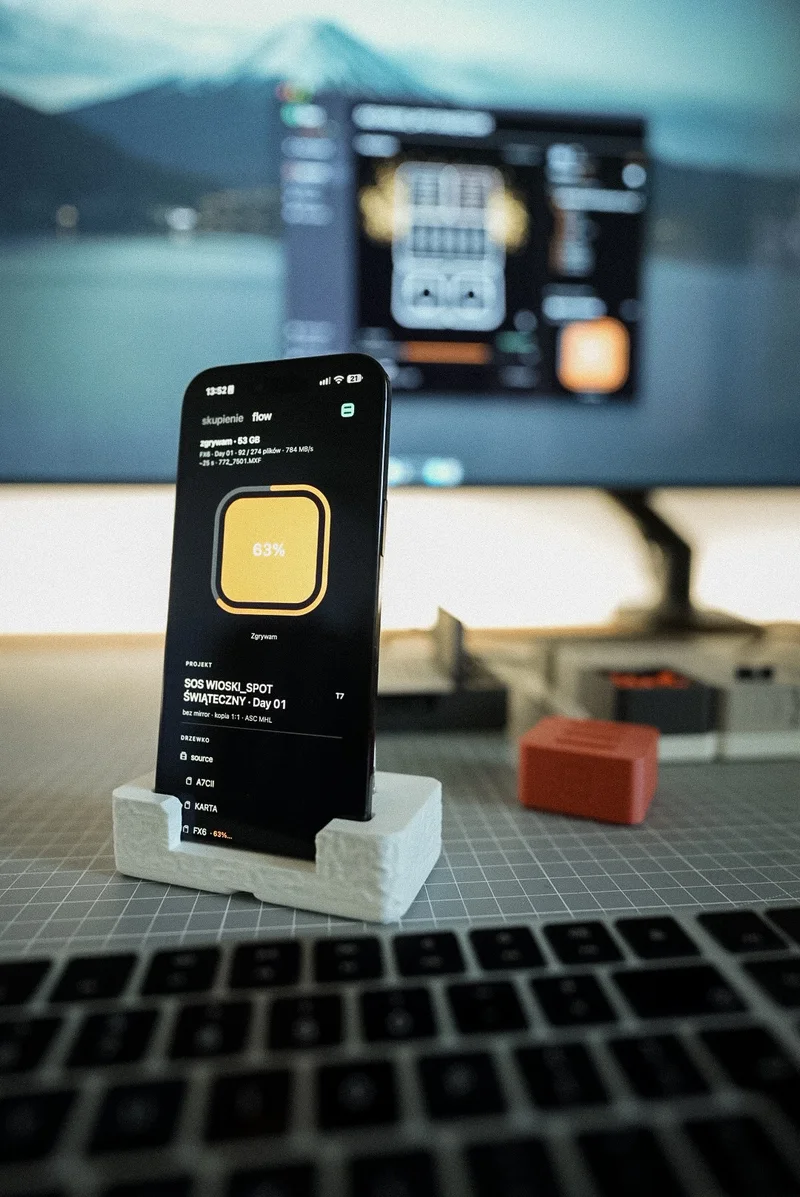
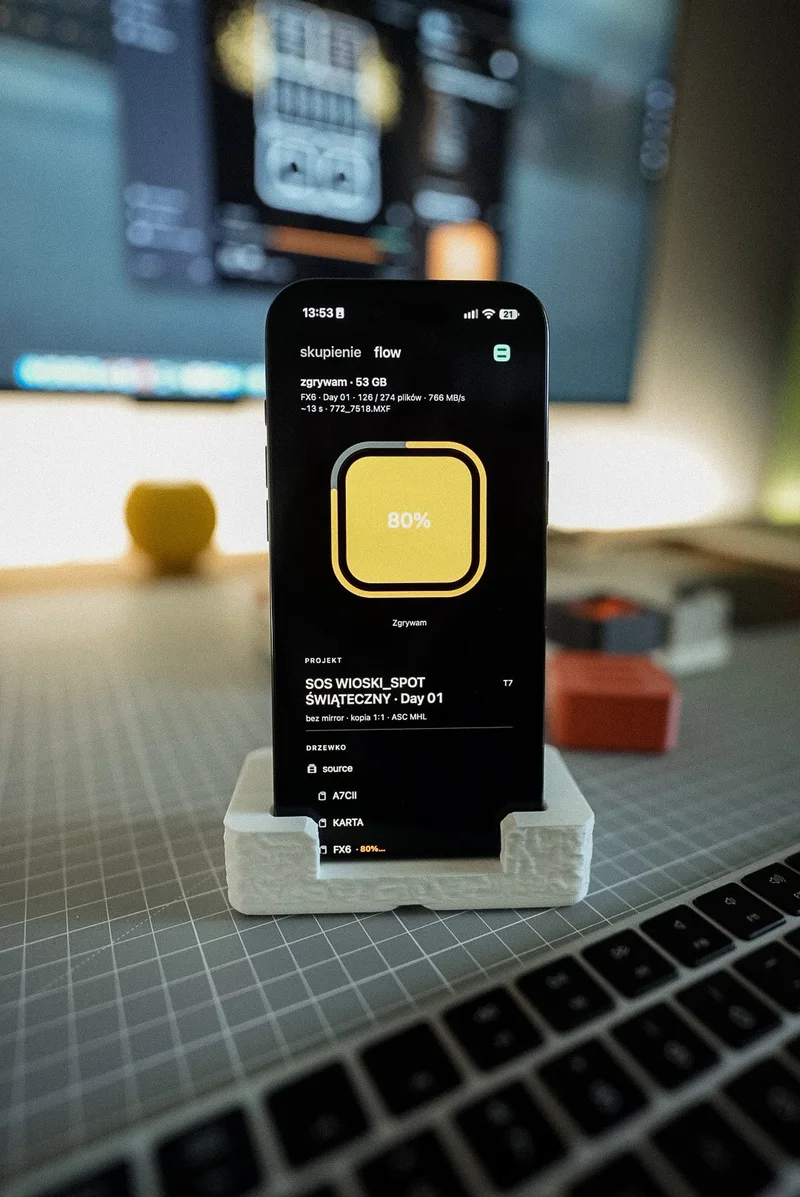
Habitat Flow on iPhone
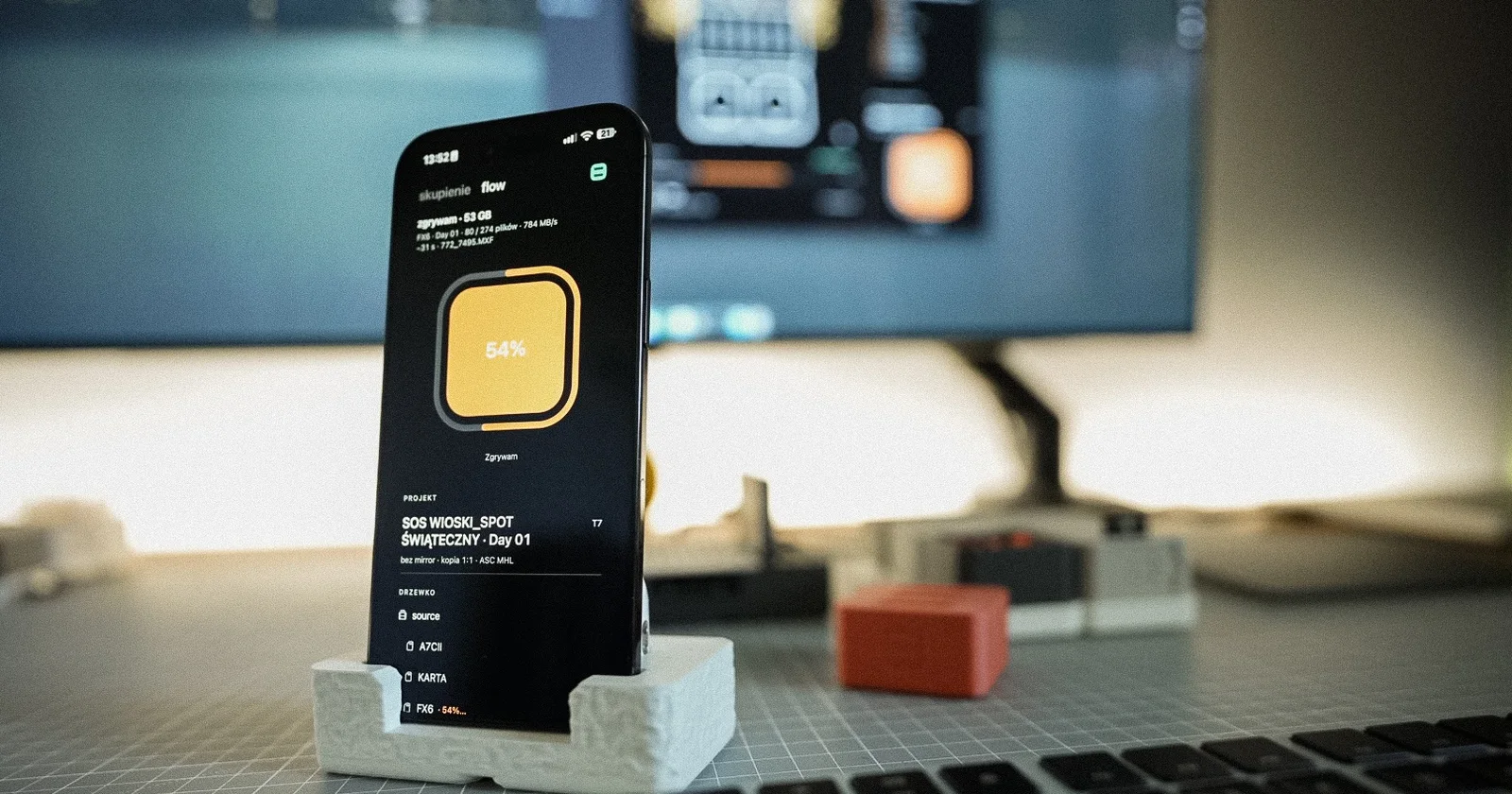
The card is in the reader, the Mac is ingesting, and you are by the camera or coiling cables. To check whether verification had finished, you had to walk over to the computer. Since 13 October Habitat Flow is on the App Store for iPhone, and that walk is gone.
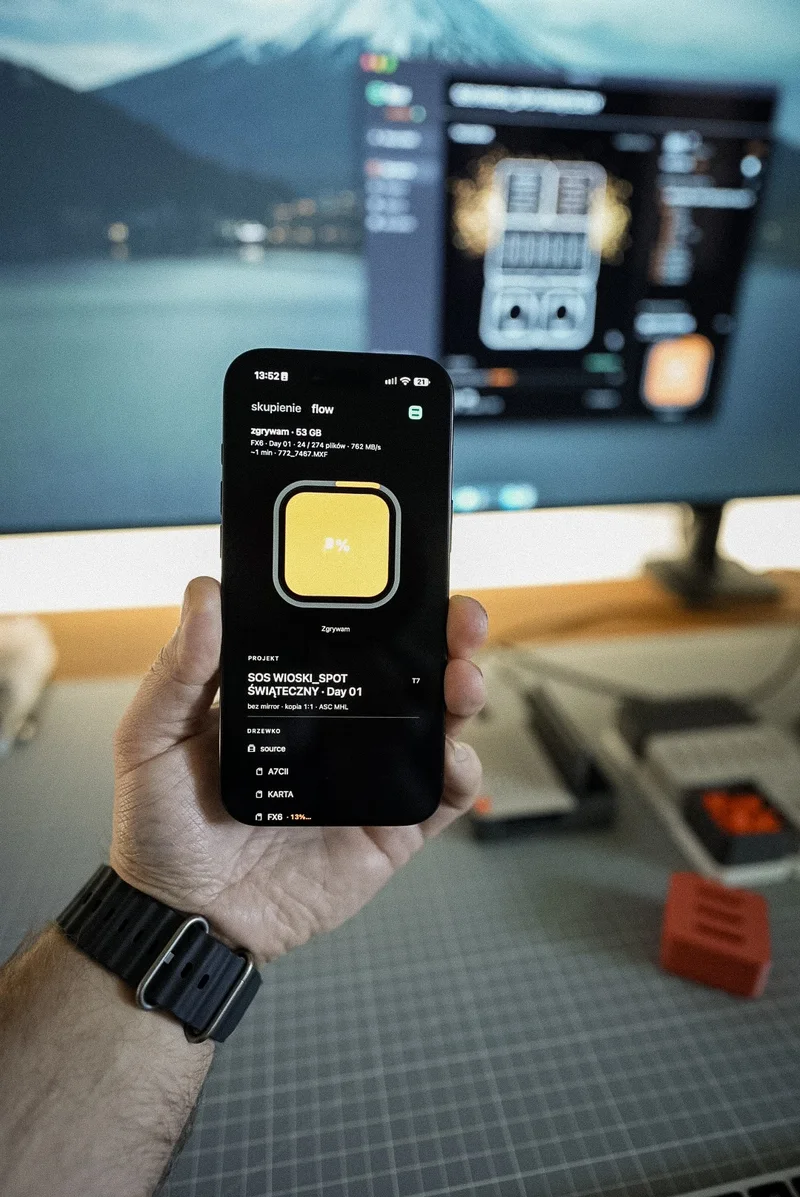
What the phone shows
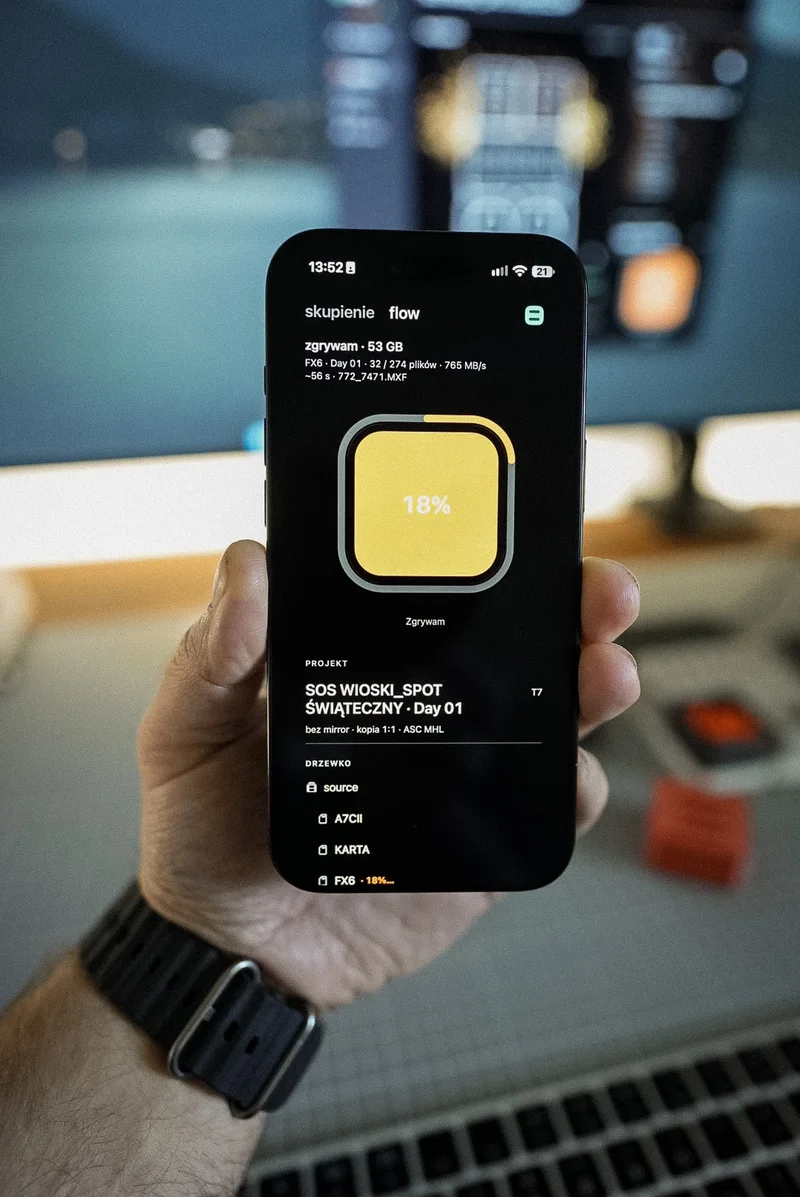
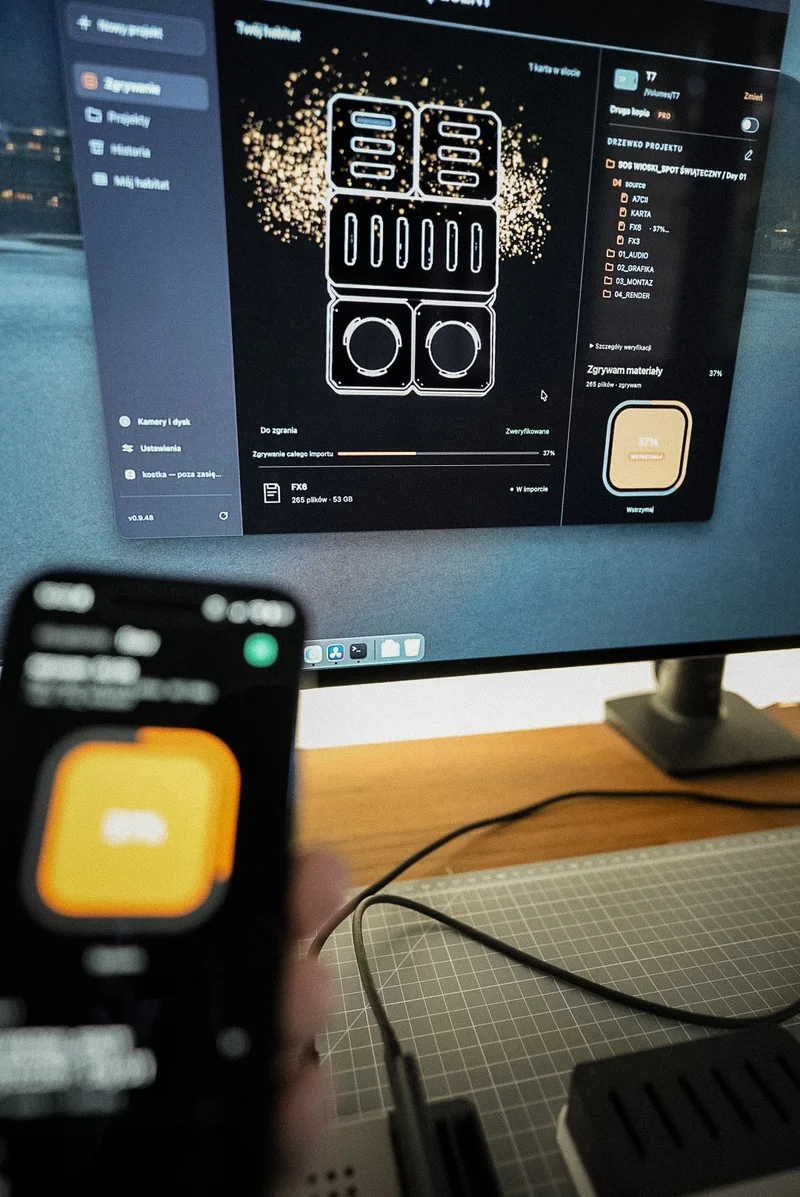
The flow screen shows the same state as the Mac: card in the slot, copying, verifying, "verified". The mark and colours match the Mac app, so there is no second set of signals to learn. Below sit the project, the tree with cameras and their state, the destination drive, the number of files and clips, speed and time left.
When the Mac finishes, the iPhone gets a "verified" notification, also with the app in the background. Ingest history keeps the camera, shooting day, gigabytes, clip count and the ASC MHL report.
Start from your phone
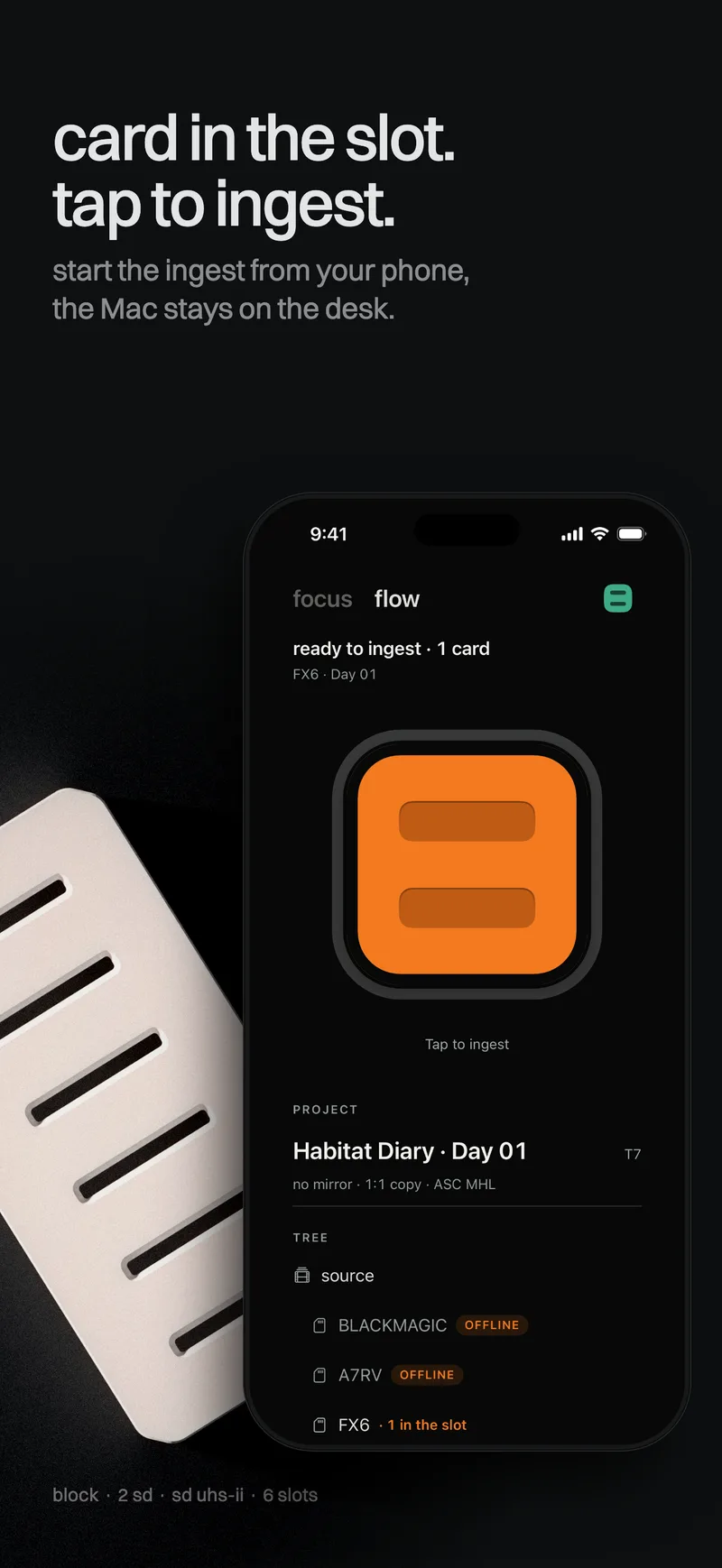
The card is in the slot and you are across the room. Tap Start on the iPhone. The Mac starts ingesting. It still does the copying and checking, the phone moves no files and stores no footage. It sends the command and shows the result.
Focus
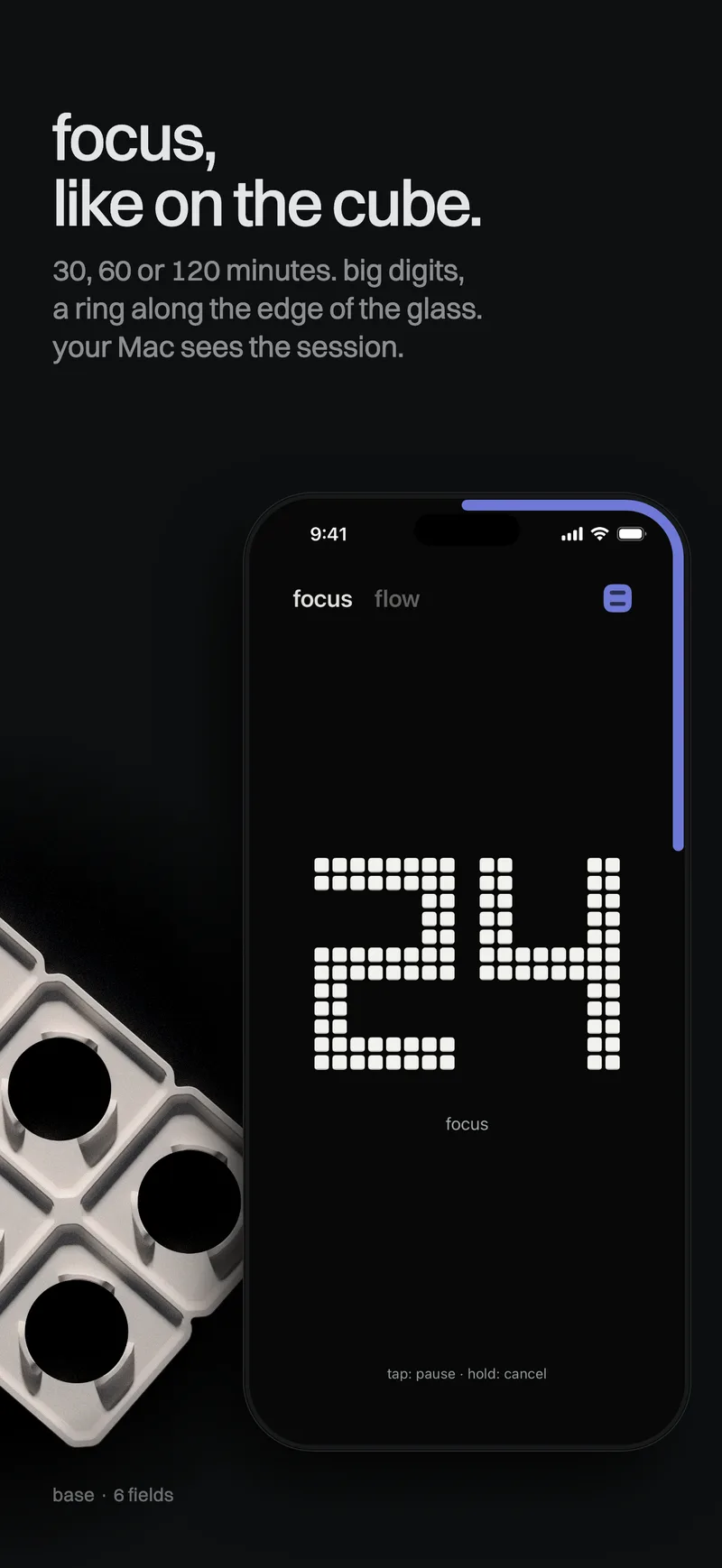
The second tab is a focus session: 30, 60 or 120 minutes, like on the habitat.flow cube. Tap to pause, hold to cancel. The countdown shows on the Lock Screen and in the Dynamic Island.
Your Mac sees the session from your phone: minutes in the menu bar, in the flow button and in the widget. Pause and cancel work both ways.
Account and price
Sign in with the same e-mail address and 6-digit code as in Habitat Flow on your Mac. The iPhone app is free. For every account, with no in-app purchases. The Free or Pro plan applies to the Mac app, because that is what ingests your footage. You need an iPhone with iOS 17 or later and Habitat Flow on your Mac.