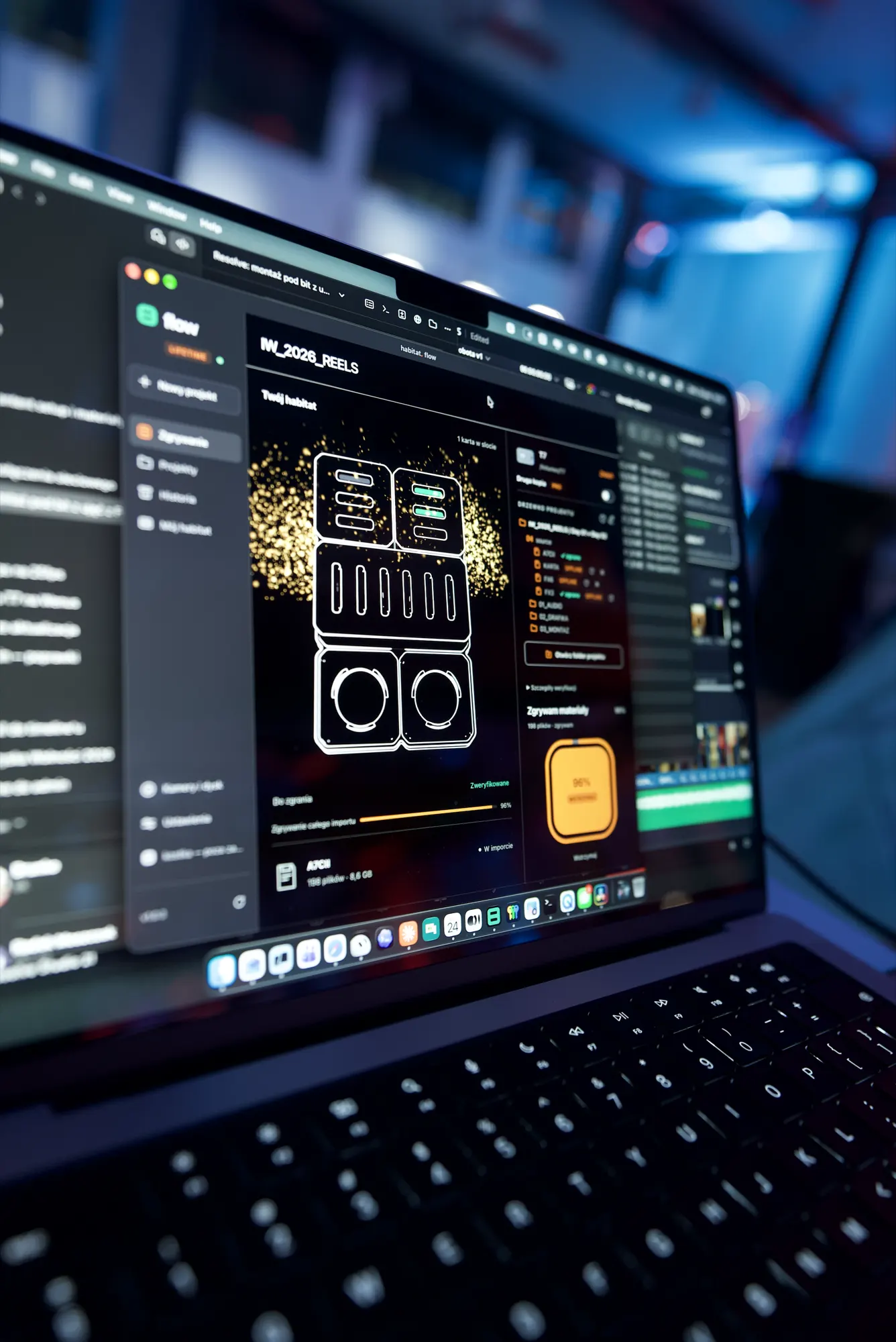
Igrzyska Wolności 2026: three cameras, reels the same day
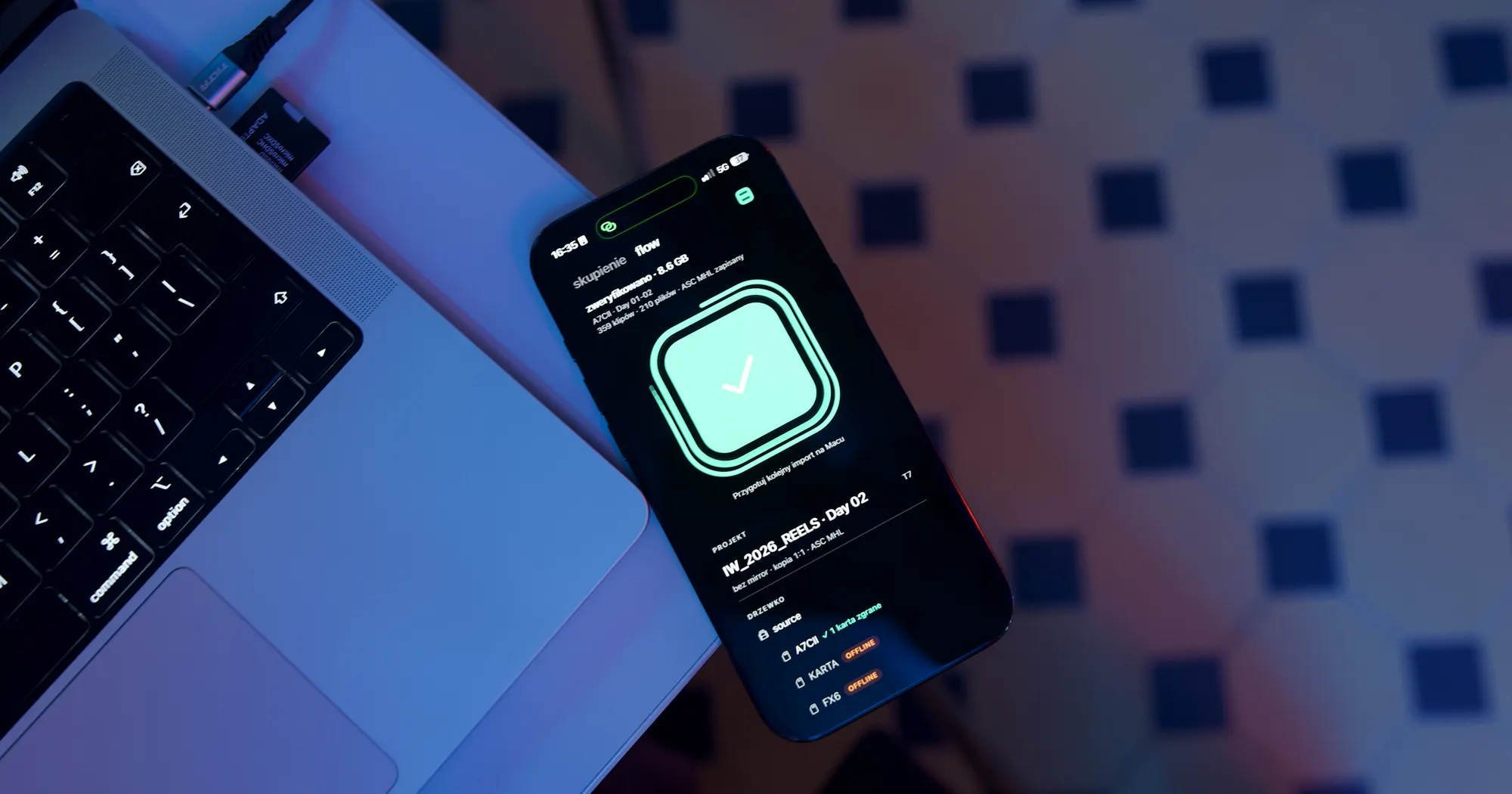
Igrzyska Wolności 2026, a festival of ideas in Poland, means three days of filming. There are around 700 speakers. I record short statements straight to camera, with three cameras.
I cut reels from that footage as the day goes on, and the client gets them the same day. At that pace, ingest, meaning copying footage from the card to a drive, cannot take up headspace. Habitat Flow takes care of it.
One project for the whole event
The whole event goes into the IW_2026_REELS project on a T7 drive. Inside each day folder, every camera gets its own folder with the model and date in the name. flow reads the model from the files on the card, so the A7C II and the FX6 never mix.
Next to the camera footage sit folders for audio, graphics and the edit. The project keeps the same layout from the first card, so looking for a shot for a reel always starts in the same place.
Shoot days from the recording date
flow sets the shoot day from the date the files were recorded, not from when the card went into the reader. The A7C II card held footage from day one and day two. flow splits it into two day folders before copying anything.
Another camera with the same date joins the same day. A card formatted in camera and filled again does not make a mess either: new clips land in that day's folder, next to the earlier ones. When two clips share a name, the card goes into a separate subfolder and nothing gets overwritten.
Copied means checked
After copying, flow reads every file from the drive again and compares it with the original on the card. Only then does it show “verified”. For each card it also saves an ASC MHL report, a file listing every copied file with its digital fingerprint. An editor or an archive can check it later.
To flow, the card is read-only. The app never deletes anything from it, so I decide when to format, once I see the green mark.
The phone tells you when the card is ready
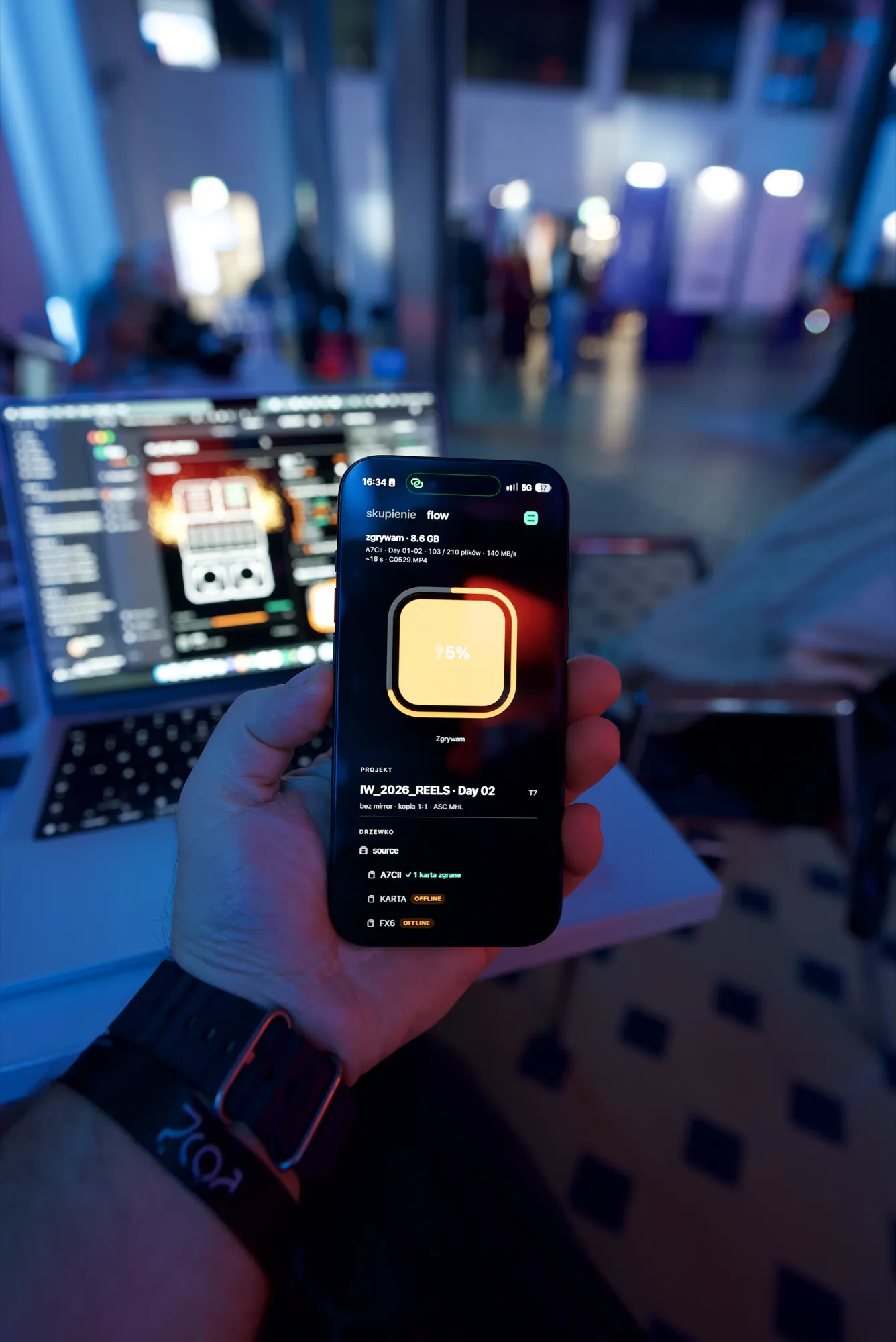
The ingest shows on the iPhone: project, day, camera, file count and speed. In the photo, the card copies at 140 MB/s.
When the card is checked, the phone gets a “verified” notification and the Mac plays a short sound. No need to watch the progress bar. You can go back to the camera or to the edit.
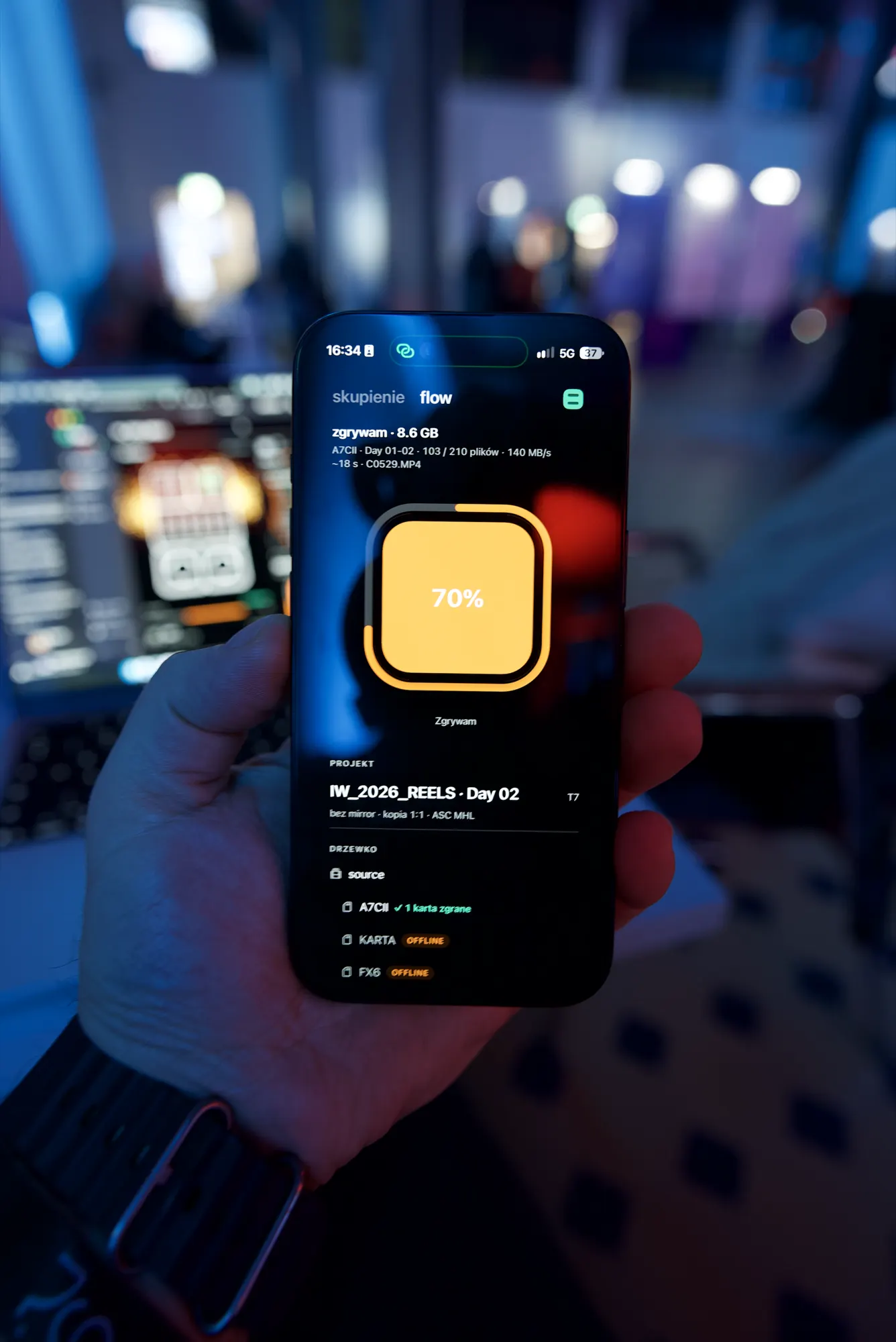
The edit starts in the right folder
A reel on the same day means there is no room for guessing between the card and the timeline. The footage is checked, it sits in the folder for its day and camera, and the project keeps the same layout until the last day.